


Despite Valorant existing for nearly four years, players still don't have the ability to view their opponents' achievements, nor boast about their own. Yes, the game allows you to show your rank, but you cannot share your statistics related to the agents. While the game itself lacks this feature and isn't planning to add it in the near future, the community, together with Riot Games, have created their own methods, so-called badges. Using these, players can create badges that display statistics with various agents. Today, the Bo3 editorial team has prepared a guide for you on how to create your own badge to brag to your friends, or followers on different social networks.
Why create a badge?
Of course, having a badge with a particular agent is not a mandatory aspect, and most players don't even think about creating one. First and foremost, badges with agent statistics are great for Valorant content creators and other media personalities. If you have an audience and plan to share your achievements with certain agents, badges are the best way to do it. They are also suitable for regular players who plan to decorate their profile on any social network.
The official method of creating badges from Riot Games
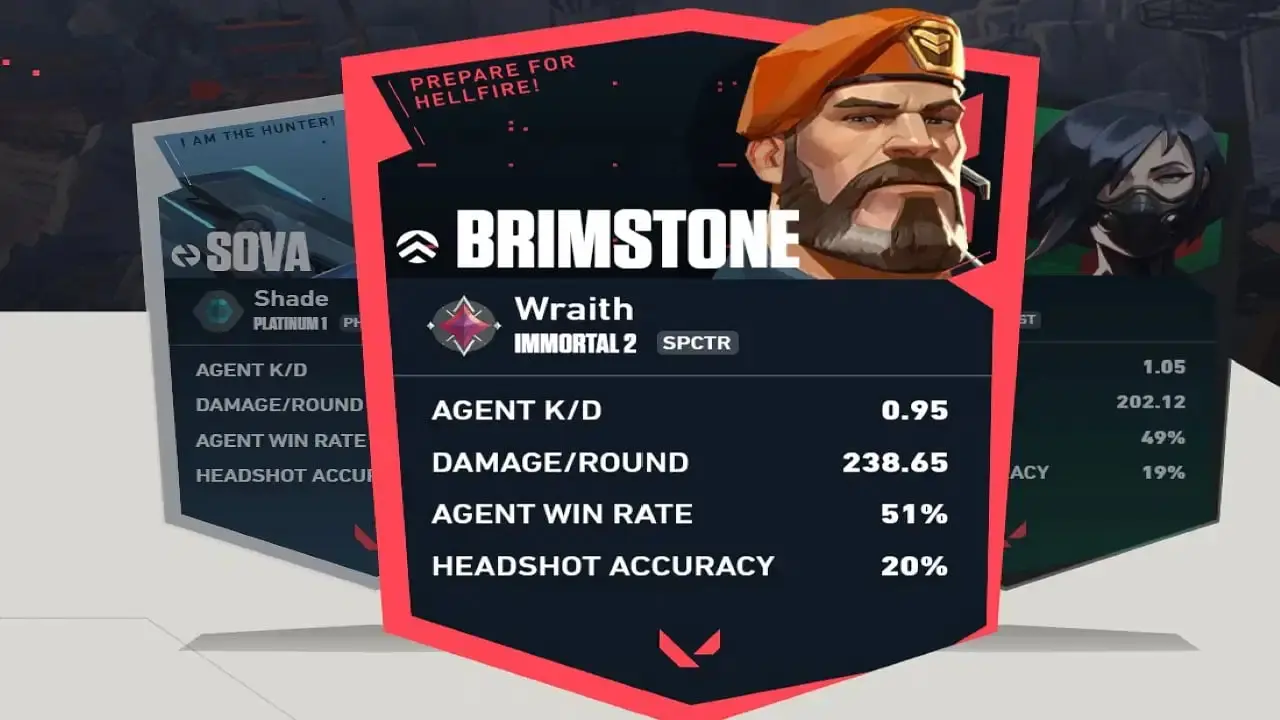
Firstly, we want to tell you about the official method from the developers themselves. In November 2022, Riot Games opened a new section on their official website playvalorant, mybadge-playvalorant. It was very convenient and simple to use. Players just had to log into their account and confirm their data. After that, they had access to a catalogue of agents, with personal statistics on kill-death ratios, rank, damage dealt per round, overall win percentage on the agent, and much more. As a result, players just had to choose the design, and background, and then share their newly created badge on their social networks.

Unfortunately, as of 2024, the mybadge-playvalorant section is not working, and players cannot easily create their own badges. Perhaps in the future, Riot Games will restore the ability to easily make custom badges.
How to create your own special Valorant badge?
As becomes clear after the information described above, creating your own badge with agent statistics in 2024 is quite difficult, but still possible. For this, you need minimal image editing skills, and programs like Adobe Photoshop or GIMP. First, you need to create or find an image to serve as a template for the badge. We recommend using a standard square or rectangular image because it's easier to work with. The best size for it is 256 by 256 pixels, and it should be in PNG or JPEG format.
Next, you need to upload the image to a program, like Adobe Photoshop or GIMP, and start entering data. This step also has a problem, as on the official Riot Games website, all agent statistics were pulled automatically. Now, when you need to manually create a badge, you have to use various statistics trackers. On such sites, using your nickname, you can see all the statistics of played matches, as well as information regarding agents.
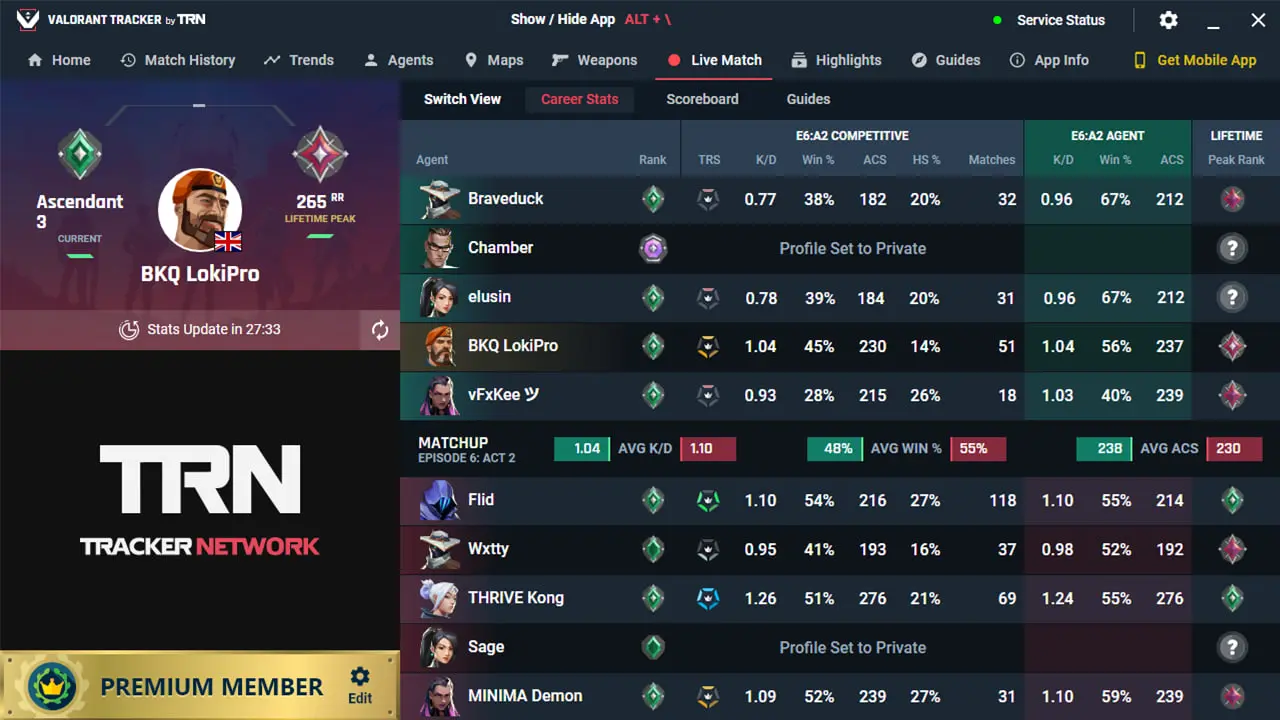
After finding the necessary information, you need to start entering it on the future badge. Here is where minimal image editing skills come in handy, as an inexperienced user may face various problems. We recommend highlighting 3-4 specific points that you will describe in your badge, which should be your best achievements on a particular agent. For example, you can add your total number of wins, if it's high, and the amount of damage dealt, which sums up all matches on the chosen agent, making it look impressive.
After that, all that's left is to finish the badge's design, add your rank, and, if possible, the name and a small icon of the agent whose statistics you are presenting. As a result, you will have your own badge, made by your own efforts, making it more valuable and important. Then you just have to save the image and publish it on your account in any social network where you want to show off your achievements.
Other ways to create a Valorant badge
If creating a badge by hand is too time-consuming for you, you can use ready-made templates, but this requires even more skills in image editors. There are plenty of examples online where players have shown off their own badges that were created on the official Riot Games website.
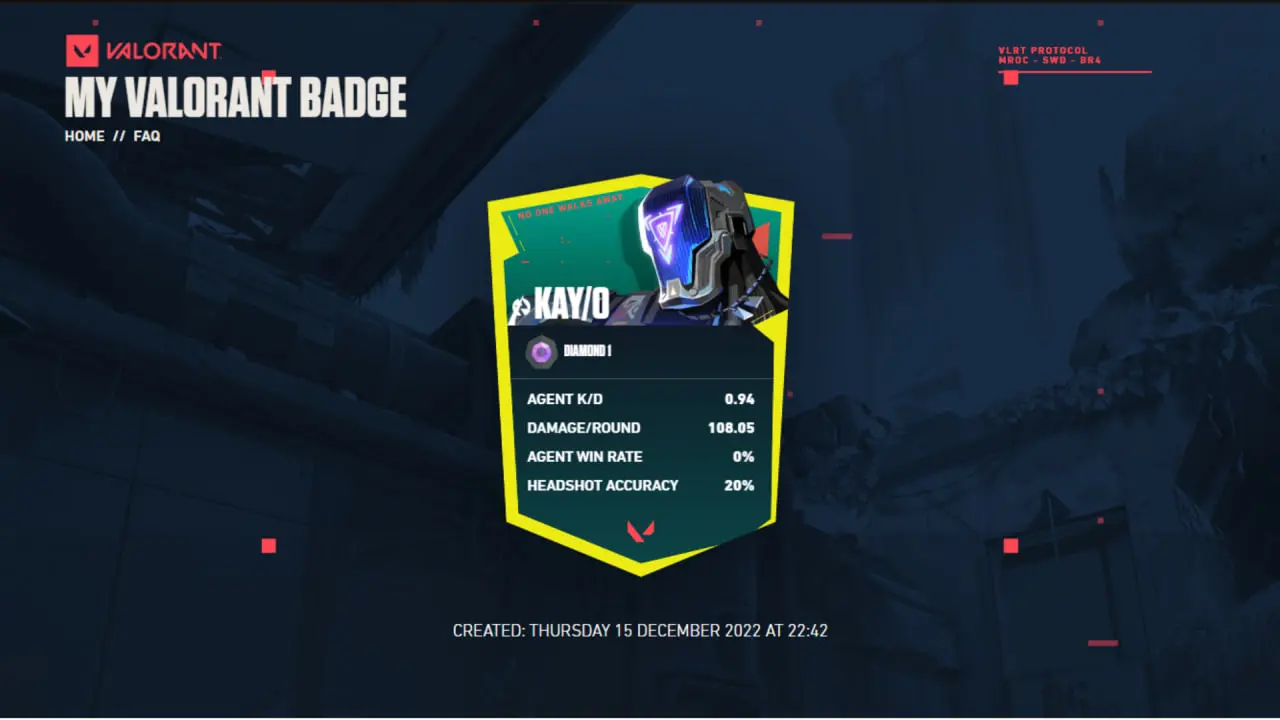
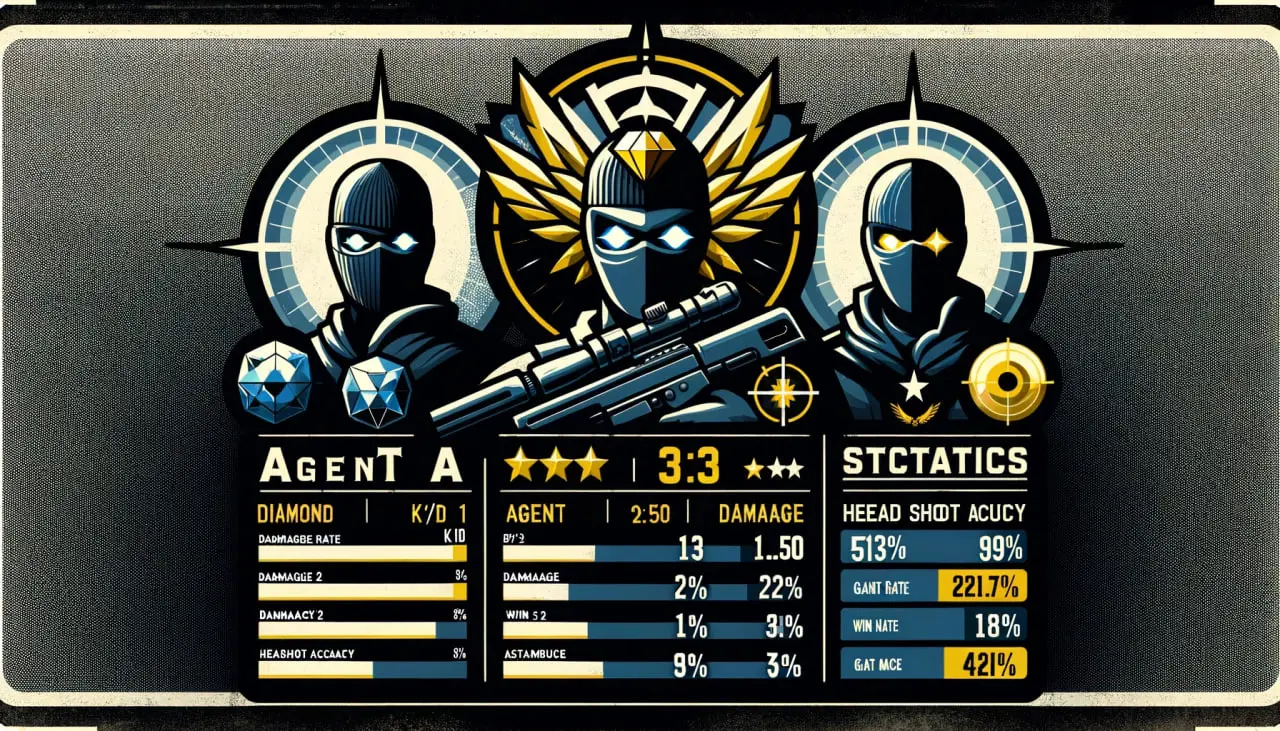
If you have enough skills in Adobe Photoshop, you can take a ready-made picture, like the one above, and change all the data yourself. You just need to find your own statistics and put them in the ready template, which greatly simplifies and speeds up the badge creation process.
Additionally, in 2024, you can try to enlist the help of artificial intelligence. There are now many neural networks available that can generate wonderful images with the right query. You can try to specify your data, agent, and other details needed in the image, and the neural network will create the badge for you. But there are quite a few different aspects here, first of all, copyright issues, as neural networks cannot use characters from Valorant. Also, sometimes they poorly interpret information, so this method is probably the longest of the listed above.
After reading the guide, our readers will learn whether it is possible to create their own Valorant badge in 2024, and how to accomplish this challenging task. Don't be afraid to experiment and create a bright, unique badge to show off to your friends or teammates in Valorant.



No comments yet! Be the first one to react