

Scripts for Roblox have become a widespread and common phenomenon, allowing players to keep up with progress in their favorite games, especially if they have more than one or two. The popularity of Roblox Blade Ball has also drawn players' attention to scripts as they eagerly seek ways to automate certain game processes, such as performing auto-parries or auto-blocks, which are key mechanics in Blade Ball.
In this article, we've compiled a list of well-known and functional scripts for you and will explain how to use them if you haven't done so before.
CONTENTS
All Blade Ball Scripts
There are plenty of scripts available for Roblox Blade Ball, so we've gathered the best and functional scripts for the game in one place!
NOTE: you don't need to download scripts for Blade Ball! Just click on the script name in the list, copy the code, and paste it into the executor, then proceed with the activation process.
Here's the full list of Blade Ball scripts:

How to Use Scripts in Blade Ball
First of all, to use scripts, you need a Roblox script injector/executor. There are many such programs, and they work on both smartphones and tablets, as well as on PCs. Since there's a wide selection, we recommend using Delta Executor. It's quite simple to use, free, and popular among Roblox players who use scripts. Read our guide on Delta Executor if you haven't dealt with such programs before.
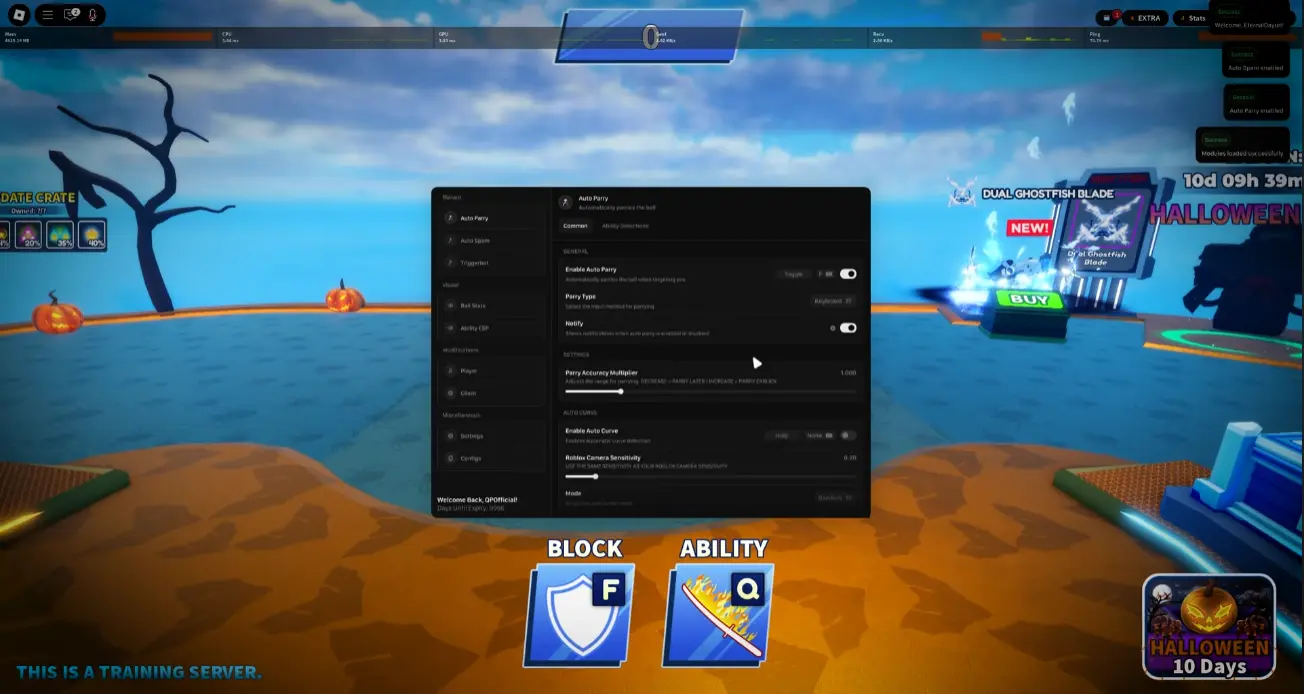
Here's a step-by-step guide on how to use scripts in Blade Ball using Delta Executor:
- Step 1. Download the latest version of Delta Executor for your device (PC, Android, iOS).
- Step 2. Install Delta Executor on your desired device.
- Step 3. Launch Roblox and start Blade Ball.
- Step 4. Copy the desired script from the list.
- Step 5. Open the Delta control panel while playing Roblox. Paste the copied script into the appropriate script editor field.
- Step 6. Press the "Execute" button to run the script.
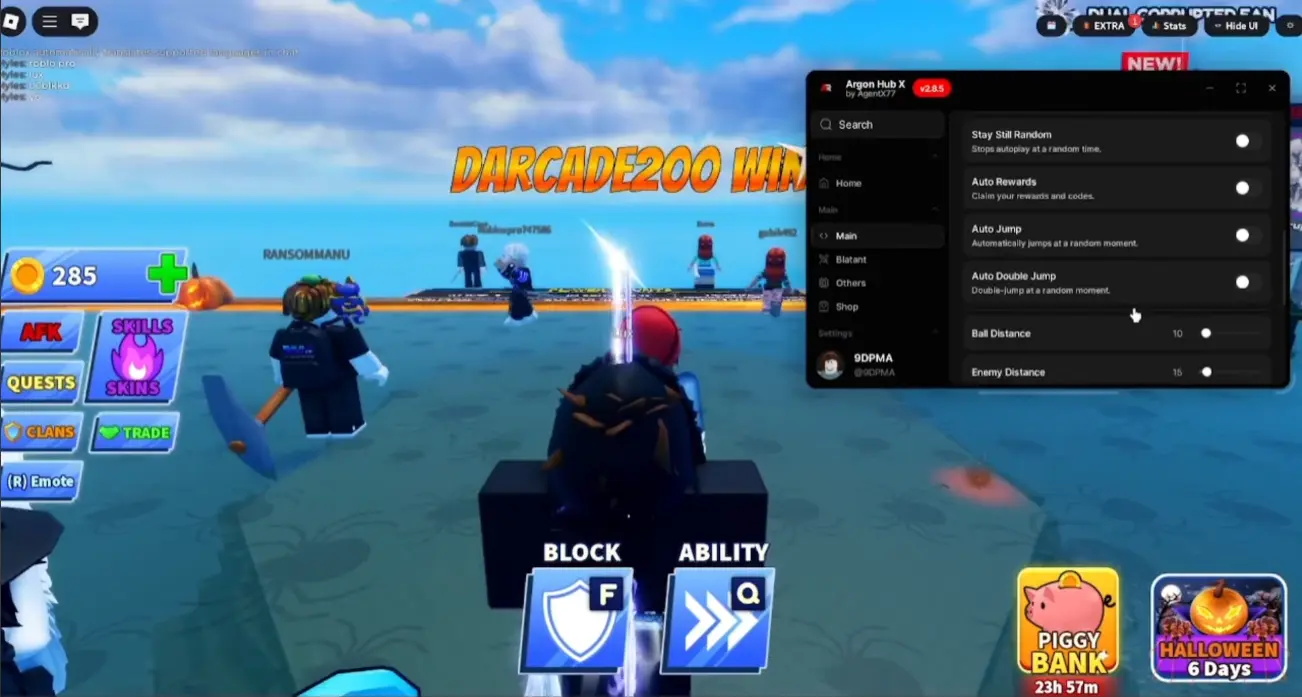
If you've done everything correctly, a script interface will appear in Blade Ball, allowing you to interact with it, choose the necessary options, enable the required script features, and configure them to your liking based on the available functionality.
You can use other executors to run scripts in Roblox, but Delta is one of the best and is available not only on PC but also on Android and iOS smartphones.

Main Features of Blade Ball Scripts
Each script for Blade Ball has its own set of features and capabilities that you can use. Some offer something unique not found in others, some have a broader and more comprehensive functionality, while others are quite modest but work more stably and are often supported by developers. Below you can find popular and common features of Roblox Blade Ball scripts:
- Auto Parry
- Auto Block
- Auto Abilities
- Auto Click
- Auto Open Crates
- Auto Farm
- Parry Distance Settings
- Speed Hack
- Teleport
- Blade Ball
- Kill Aura
- Kill All
- Free Skins
- Lag Reduction
- Night Mode
- Anti-AFK
- Visualizer
FAQs about Blade Ball Scripts

How to download Blade Ball script?
Blade Ball scripts do not need to be downloaded! You only need to copy the script code from the list and paste it into the appropriate injector/executor program.
Is it safe to use Blade Ball scripts?
If you play cautiously and don't excessively "flash" impossible functions in front of other players and potential admins, using scripts is quite safe. However, always be careful, as if developers or moderators do not support playing with scripts, you may get banned.
Do I need a script to play Blade Ball?
If you're a beginner and want to improve your skills and win effortlessly — then yes. All these advanced scripts perform certain functions according to your preferences and automate the process so that you don't have to perform routine actions constantly by yourself.

How to get Blade Ball No Key?
Most scripts require the user to enter a key to work. Fortunately, among the list, there are those that do not require keys, and you can run them immediately without any problems.
Do Blade Ball scripts work on phones?
Yes, scripts for Roblox, including Blade Ball, mostly work on both PCs and smartphones and tablets. All you need is a supported executor for your device.
Why is the Blade Ball script not working?
If you are 100% sure that you've done everything correctly (especially if you've dealt with scripts before), but some Blade Ball scripts are not working, it means the author has not updated them or they are simply not supported by the current version of the game. In such a case, wait for the script update or report in the comments that the script is outdated — we will remove it.


Comments10