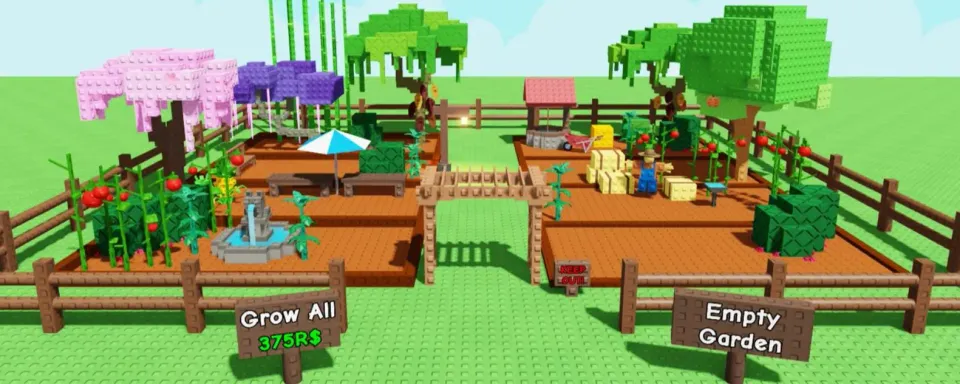
In this article, you’ll find some of the best Grow a Garden Roblox Script out there, packed with stuff like Auto Farm, Auto Shop, Sell All, FPS Boosters, and a bunch more useful features. You can straight-up copy the scripts from here and run them in-game.
With these scripts in Grow a Garden, the game gets way faster and way more fun — unlimited seeds for planting, one-click selling, and no more wasting time on slow grindy mechanics.
Most Grow a Garden scripts also come with clean, easy-to-use menus where you can tweak everything to your playstyle. Pick which seeds you wanna get, choose what plants to sell, adjust walk speed, and fine-tune the setup exactly how you want.
CONTENTS
How to Download Roblox Grow a Garden Scripts
You DO NOT need to install scripts for Grow a Garden separately.
All you gotta do is download a Grow a Garden Script Executor — special tool that lets you run scripts straight inside the game.
Down below, you’ll find a list of some of the best Roblox executors for Android, iOS, and PC, so you can pick whatever works for your setup and start running scripts right away.
EXECUTOR | SUPPORTED PLATFORM | DISADVANTAGES | LINK |
Delta Executor | Android, iOS, and PC | Requires manual updates after Roblox patches | https://delta-executor.com/ |
Xeno Executor | Windows PC | No versions for Android and iOS | https://xeno-executor.com |
KRNL Executor | Android and iOS | Does not support Windows PC | https://krnlexecutor.com/ |
Arceus X Neo | Android and iOS | Limited PC support | https://arceusx.com/ |

All Grow a Garden Scripts PC and Mobile 2026
Numerous scripts are available for Grow a Garden. To make it easier for you, we've compiled the latest and most effective options for Grow a Garden — they will help automate and simplify the gameplay, making gardening and completing various activities faster.
Note: You don't need to download scripts. Just click the "plus" icon next to the script name, copy the code from the expanded block, and paste it into your Executor, then run it to activate the script in Grow a Garden.
Here's a list of all known and working Grow a Garden Script latest:
Grow a Garden Scripts *NO KEY*
Grow a Garden Scripts *KEY REQUIRED*

How to Use a Script in Grow a Garden
Using the Grow a Garden script in Roblox is pretty simple. That said, if you’re new to scripting, you may want a quick rundown. First of all, you need to choose an executor — it is the tool that actually executes the script in the game.
Note that using scripts and executors may lead to reduced game performance!
Step 1
Copy and go to the link xeno-executor.com/download/, then download Xeno Executor on your PC. You'll need it to run scripts in Roblox.

Step 2
Unzip the files somewhere easy to find on your PC, then run Xeno.exe to launch it.
Quick heads-up: the first time you open it, Windows might ask you to install or update stuff like the .NET SDK or Visual C++ Runtime. Don’t skip this — if those aren’t installed, the executor won’t work and your Grow a Garden scripts won’t run at all.


Step 3
Once Xeno is open, log into Roblox. You can chill in the main menu or jump straight into Grow a Garden — both work. After that, alt-tab back to Xeno Executor and hit the Attach button (the one highlighted in the image) to connect it to Roblox.
If everything goes smoothly, you’ll see a “Xeno Attached” notification pop up in the bottom-right corner. That’s your green light — you’re locked in and ready to run scripts.

Step 4
Take any Grow a Garden script from our list and paste it into Xeno in the text field, as shown in the screenshot. Then click the Execute button to activate the script.

Step 5
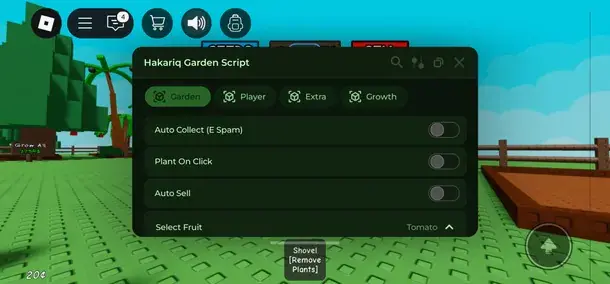
After pasting the script, just chill for a few seconds while it loads into Grow a Garden. If everything’s good, a script menu will pop up in-game with a bunch of options you can toggle or tweak however you want.
Warning: If you get insta-kicked, see an error or warning, or the game starts bugging out, that usually means the script got patched or the anti-script system flagged it. When that happens, don’t force it — just switch to a different script and move on.
REMEMBER: some scripts may require entering an activation key for further use. Such keys can usually be obtained by performing certain actions specified in the script window or in the developer's Discord channel.

![Keyless Scripts for Blox Fruits [Updated June 2026]: Auto Farm, Fruits, ESP and More](https://image-proxy.bo3.gg/uploads/news/346937/title_image/webp-0586d62096f68eae5d9946d7405fba6d.webp.webp?w=150&h=150)
What are Grow a Garden Scripts?
Grow a Garden script is that it is a series of Lua commands that automate things in Roblox. Now, instead of pounding your fingers on the same buttons over and over to sow seeds or collect crops, the script executes all the tasks on autopilot for you.
On top of that, some scripts can unlock hidden features or help you snag rare items without grinding for hours like it’s a second job. Bottom line: less clicking, less grind, more progress.
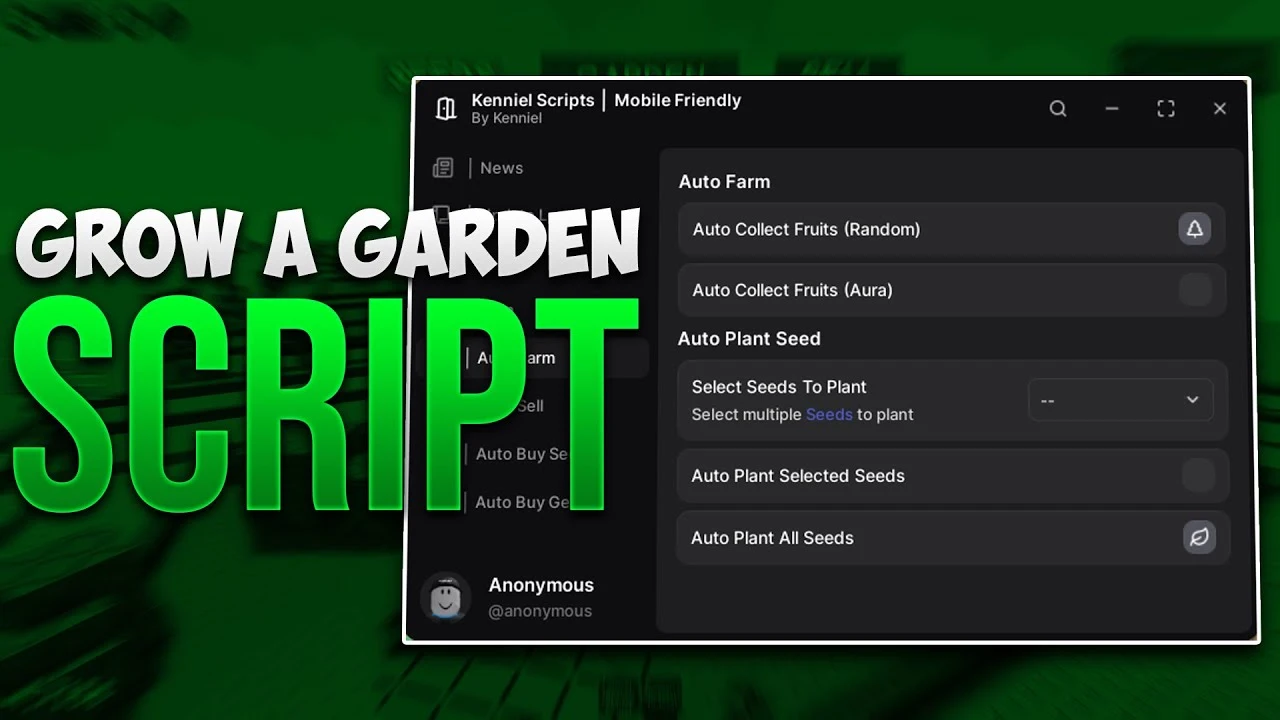
Main Features of Grow a Garden Scripts
One of the biggest reasons players run Grow a Garden scripts is to save a ton of time and grind. These scripts auto-handle the boring stuff, so you can focus on actually building your farm and messing around with new seed types. The most popular are: Grow a Garden Auto Farm Script, Infinite Seeds Script and Auto Collect.
With the right script, you’ll be planting way faster, harvesting like a machine, and stacking in-game cash without sitting through hours of mind-numbing farming loops.
List of Popular Grow a Garden Script Features:
Feature | Description |
Auto Planting | Automatically plants selected plants marked in the script |
Auto Farm | Harvests your plants without needing to press the harvest button yourself. |
Auto Sell | You can mark which plants to sell, and once your inventory is full, you can sell these plants. |
Seed /Gear Auto Buy | Automatically teleports and buys you the necessary seeds and equipment. |
Auto Walking | Allows the character to walk from point A to point B automatically if you set the desired path |
Automatization | You can set certain actions for automation, so you don't have to repeat them manually. |
Anti Kick | The game won't kick you for being idle while playing on the server. |
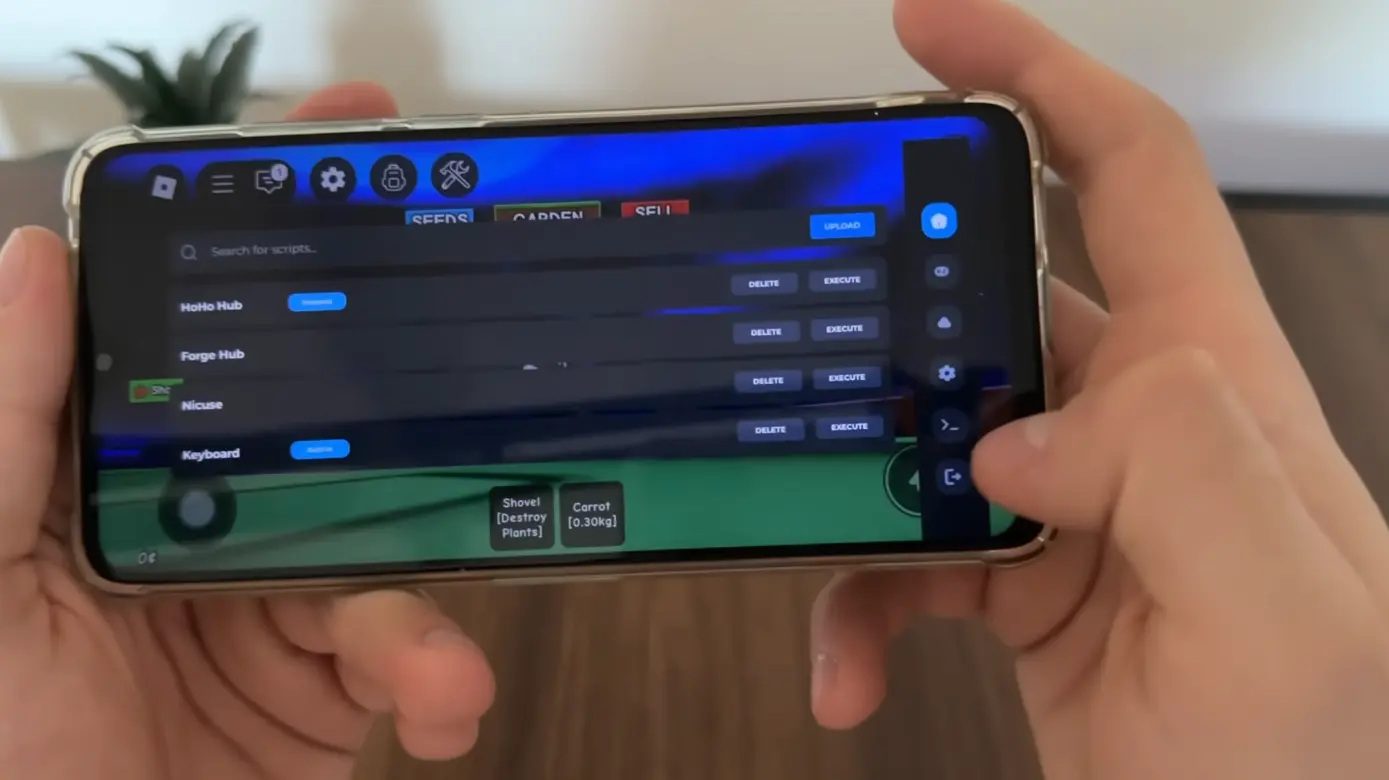

Is it Safe to Use Script in Grow a Garden?
One big thing you gotta think about when running any scripts is safety. A lot of Grow a Garden scripts are known to be pretty safe and legit — they’re made to run smoothly without nuking your Roblox account.
Running scripts or exploits in Roblox is never fully risk-free. Even if a script looks super safe, there’s always a chance things can go sideways. If you care about your main account, the smart play is to test stuff on an alt first.
Also, quick reminder: third-party scripts do break Roblox’s rules. This is shared for educational purposes only, so whatever you do, you’re doing it at your own risk.


Comments764