



Surviving in 99 Nights in the Forest can be challenging, and after each loss, you might get tired of the monotonous process of chopping and gathering wood, fighting wolves or cultists, searching for chests, and so on. In such cases, scripts for 99 Nights in the Forest come to the rescue, automating some processes or providing special abilities that are essentially equivalent to cheats.
So in this article, we've compiled a selection of scripts for 99 Nights in the Forest to assist you in your adventures, survival battles in the dark forest, and rescuing children.
CONTENTS
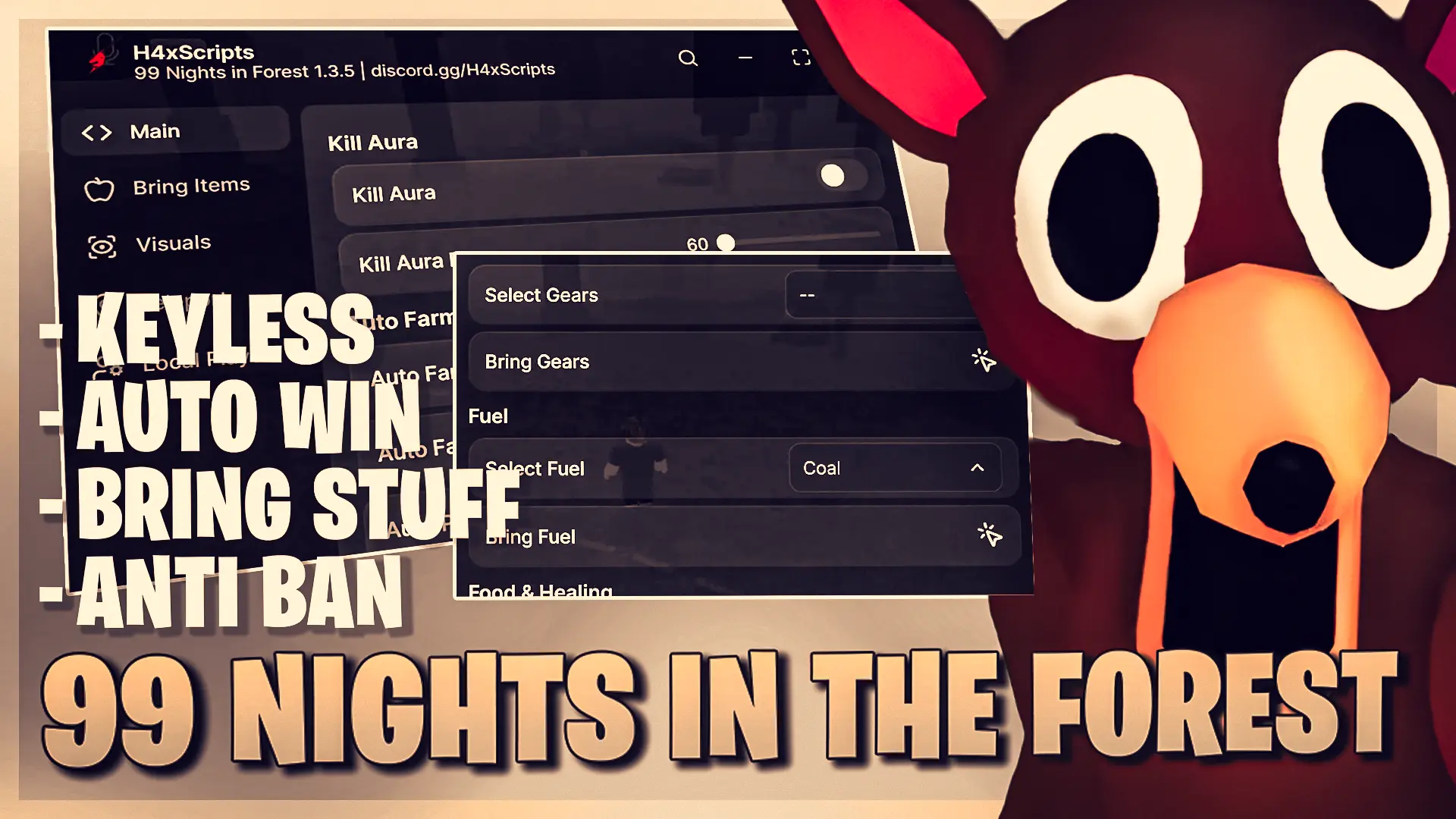
All 99 Nights in the Forest Scripts
There are many scripts available for 99 Nights in the Forest. For your convenience, we have selected the most relevant and best scripts for this game, which will allow you to automate and simplify the gameplay and survive.
NOTE: scripts DO NOT need to be downloaded! Click the plus sign next to the script name, copy the code from the dropdown window, and paste it into the executor.
Here is a list of all known and working scripts for 99 Nights in the Forest:

How to Use Scripts in 99 Nights in the Forest
Here's a step-by-step guide on how to use scripts in 99 Nights in the Forest using the Delta executor:
- Step 1. Download the latest version of the Delta executor on your device (PC, Android, iOS).
- Step 2. Install the Delta executor on your desired device.
- Step 3. Launch Roblox and start 99 Nights in the Forest.
- Step 4. Fully copy the desired script from our list above.
- Step 5. Open the Delta control panel while playing Roblox. Paste the copied script into the appropriate script editor field.
- Step 6. Click the "Execute" button to run the script.
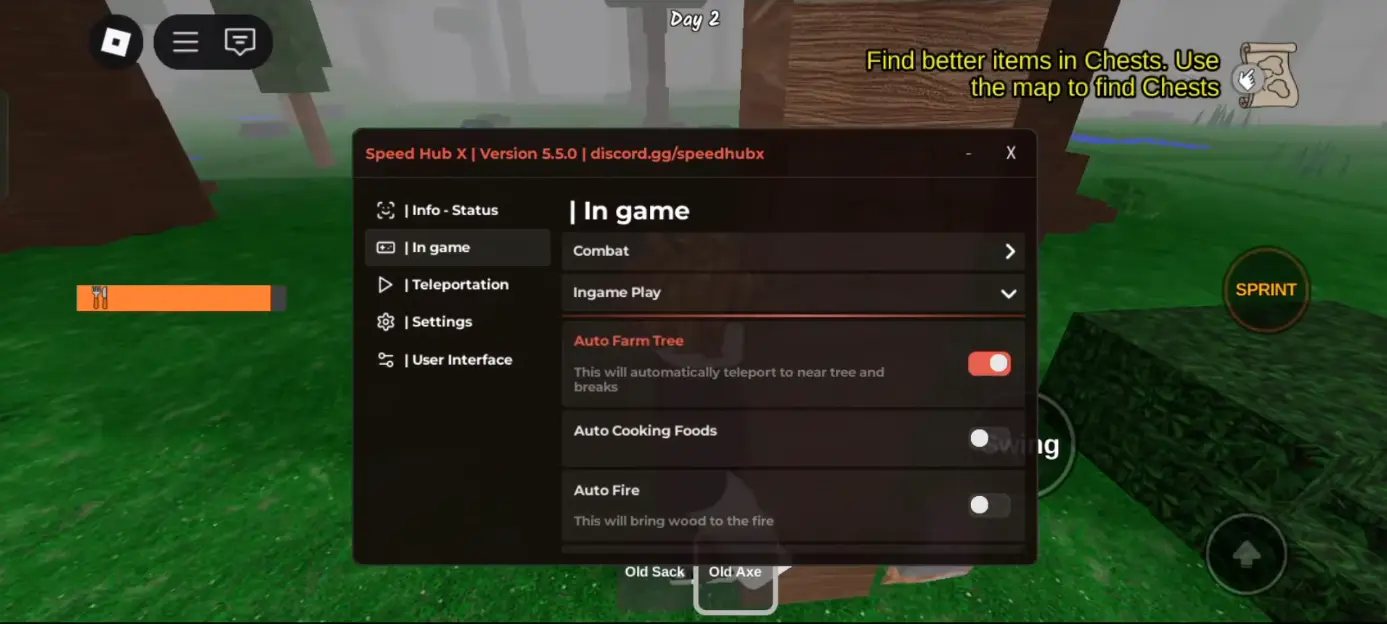
If you did everything correctly, a script-cheat GUI will appear in 99 Nights in the Forest, allowing you to interact with it using your cursor and select the necessary options, enable the required script features, and more.
You can also use other executors to run scripts in Roblox, but Delta is the best and is available not only on PC but also on Android and iOS smartphones.
Main and Popular Features of 99 Nights in the Forest Scripts
In 99 Nights in the Forest, there are quite a few different activities, and therefore different scripts come with various capabilities that provide a significant survival advantage. Each script has its own features, but some may be the same or very similar. The amount of active functionality also varies. Below you can familiarize yourself with popular script capabilities:
- Auto food replenishment
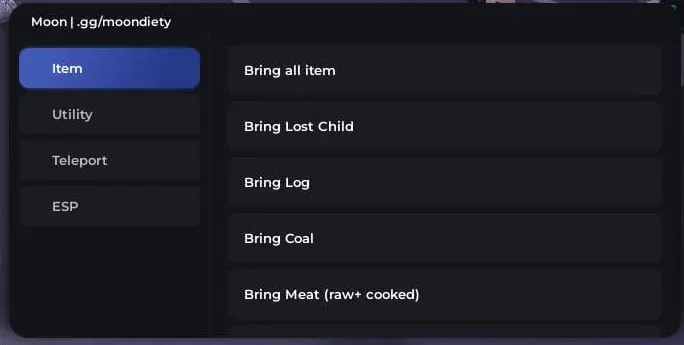
- Automatic bringing of food, fuel, weapons, bandages, wood, coal, scrap, etc.
- ESP for all resources and items
- ESP for enemies
- ESP for lost children
- ESP for chests
- Teleportation to lost children
- Teleportation to chests
- Auto wood gathering
- Avoiding damage from enemy attacks
- Cooking food
- Auto-attacks / Kill aura
- Night vision
- Remove fog
FAQs about 99 Nights in the Forest Scripts

Do you need keys for 99 Nights in the Forest scripts?
Not all scripts in our list require keys to run, but some do. Scripts that require keys have the relevant mention in the name or description.
Is it safe to use scripts in 99 Nights in the Forest?
Scripts are a form of cheats, and therefore Roblox developers or 99 Nights in the Forest developers may penalize you for using them. However, since this is not a competitive game, punishment might not occur. We recommend using scripts when playing with friends or solo.
What is the best script for 99 Nights in the Forest?
The best script for 99 Nights in the Forest is Bring Items, Godmode, Auto Trees:

Can you use 99 Nights in the Forest scripts on a smartphone?
Yes. Many scripts are available for activation on smartphones and tablets with Android and iOS. You need to install a compatible executor (such as Delta) on your device.
What is the best executor for Roblox scripts?
The best executor for Roblox, including 99 Nights in the Forest, is Delta. It is simple, available on mobile devices, and easy to use.
Why isn't the 99 Nights in the Forest script working?
If the 99 Nights in the Forest script isn't working, it might be due to several reasons: you did something wrong; the script is outdated or no longer supported; the game has been updated, and the script was created for a previous version.




Comments2954