

RIVALS has become a new shooter in Roblox, where you compete in the arena against other players in various modes—1vs1, 2vs2, and more. However, without good weapons, which need to be gradually unlocked, it's quite challenging to compete with players who have more powerful firearms capable of taking you out with a single accurate shot.
Ultimately, you'll have to either spend a lot of time progressing or spend Robux to acquire better weapons. Meanwhile, you can use RIVALS codes, which provide in-game currency and keys. These can be used to unlock new types of weapons and cosmetic items in the game.
List of RIVALS Codes
We have carefully checked and prepared a list of all working codes for Roblox RIVALS. By entering them, you will receive keys, crystals, or cosmetic items that you can use immediately.
Remember that codes have a limited lifespan, so it's advisable to activate them as soon as possible to not miss out on free rewards while they remain active.
CODE | REWARD |
COMMUNITY24 | 1 Community Wrap (Random Weapon) |
FREE184 | 3 Keys |
FREE183 | 3 Keys |
FREE173 | 3 Keys |
COMMUNITY23 | 1 Community Wrap |
COMMUNITY22 | 1x Community Wrap |
FREE165 | x3 Keys |
BONUS | x1 Key |
BOOST | x1 Key |
ROBLOX_RTC | x5 Keys |
ELBILLUG | Nothing |
LIMITEDTIMECODEYUP | x3 Wrap Box 1 |

How to Enter RIVALS Codes in Roblox
Unlike many other games in Roblox, before you can use codes in RIVALS, you need to fulfill a few conditions to unlock access to the code system in the game.
1. Complete the tutorial and play your first full match.
If you have just started playing RIVALS in Roblox, the Shop button, which opens access to the code menu, will still be unavailable. Initially, you will need to play a few initial matches. If the basket button labeled Shop doesn't appear after the first match, continue playing until it becomes available.

2. Add the game RIVALS to your favorites
You need to add the game to your favorites. To do this, on the game page, click on the three dots next to the RIVALS launch button, and then select Favorite so that the star is filled in black.

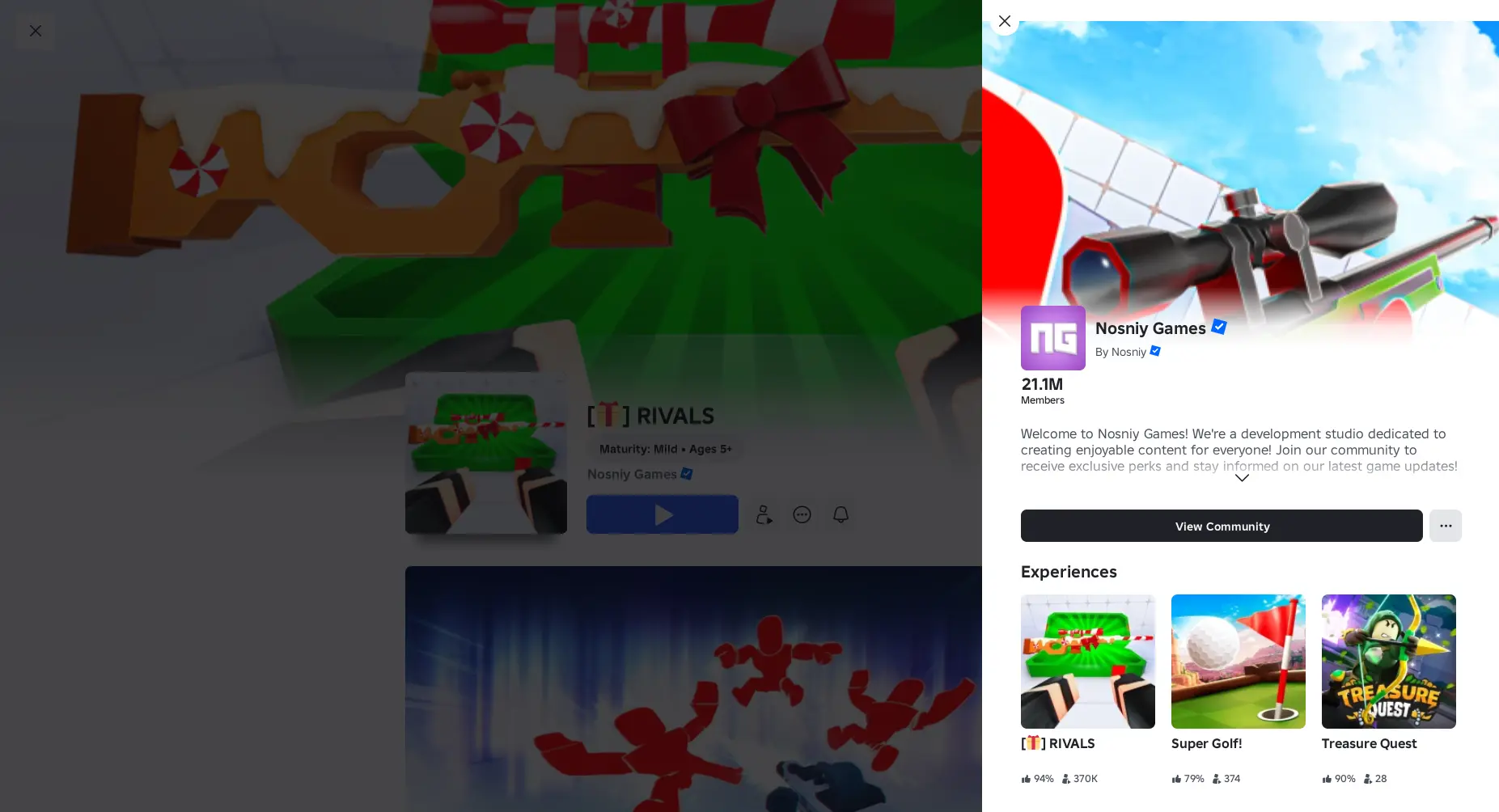
3. Join the Nosniy Games group
Next, you need to subscribe to the community (group) in the game. Notifications about this often appear during gameplay, but you can do it this way: Shop ➨ More ➨ Codes ➨ Join the group.
4. Like the game RIVALS
You also need to like the game. The principle is the same: you can like the game directly on its page in Roblox, when the corresponding notification appears, or on the page with code entry requirements.

5. Follow the creators of RIVALS on X.com (?)
One of the requirements to gain access to code entry in RIVALS involves following the developers @NosniyRBLX and @Sensei_RBX on Twitter (X.com), and providing your username in the verification field. However, we managed to "verify" without subscribing on X.com.

After completing all these steps, you will unlock access to code entry. Without this, the system won't allow rewards to be credited to your account. To enter a code:
- Enter RIVALS.
- Click Shop on the bottom screen panel.

- Then click More to open more menu buttons.

- Click on the Codes button.

- Scroll down and enter the code in the appropriate RIVALS field.

If the code is valid, the reward will be credited to your account immediately, and you'll see a notification about it.

Why the RIVALS Code Isn't Working
If instead of a reward you receive an error message, it most likely means that the code has become obsolete due to expiration. This happens when a new update is released, a certain event ends, etc. Often, codes have a limited lifespan (a few days) and stop working afterward.
Another common reason is incorrect code entry. This can happen if you enter the code manually, as you might have made a mistake (wrong character, number, etc.). Even when copying the code, you might accidentally include an extra space at the end, which would be considered an additional character. Therefore, carefully check the code entries in RIVALS.


Comments7