

One of the best ways to make your game in Roblox: Arsenal more exciting is by using special game codes that unlock new announcer voices, skins, and other cosmetic rewards—all without spending real money or Robux.
In this guide, you'll find the latest working codes for Arsenal and instructions on how to activate them.
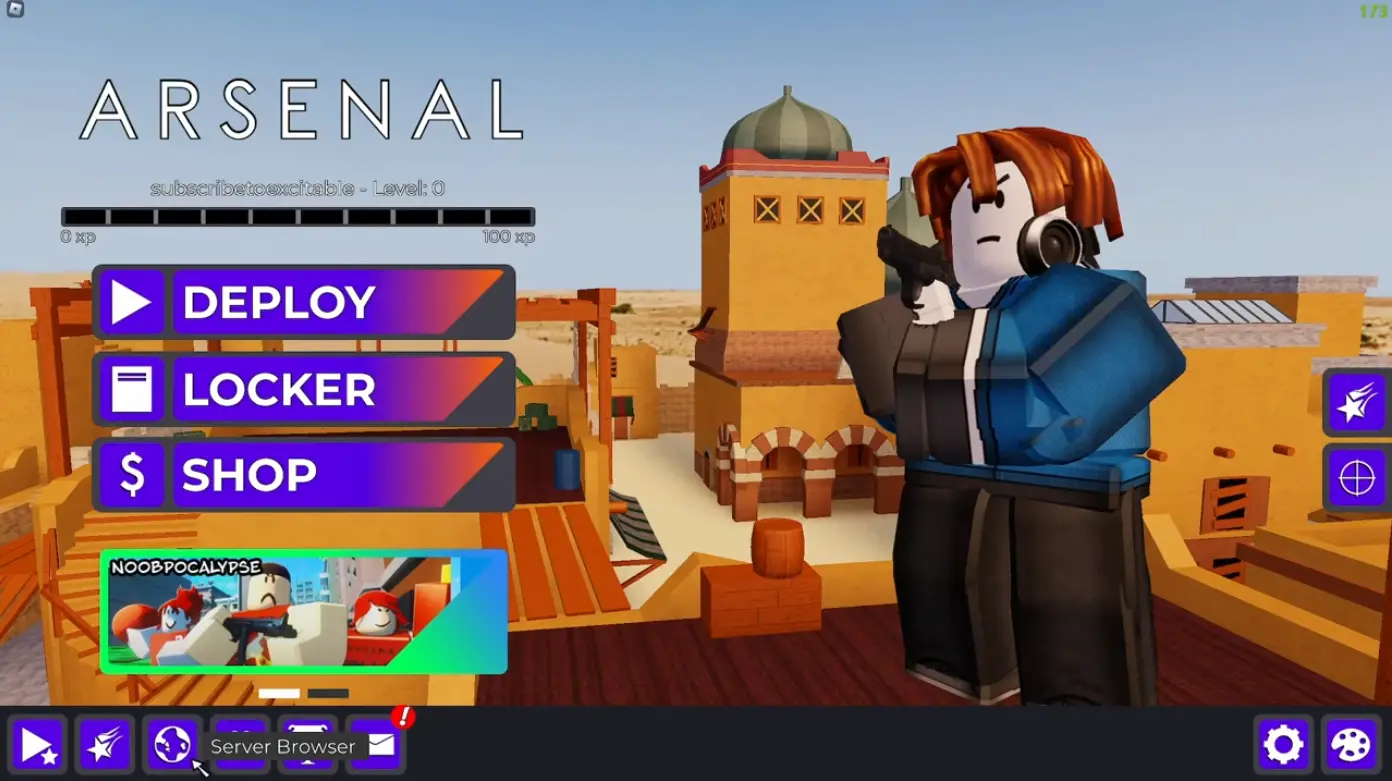
All Working Arsenal Codes
Like most codes in Roblox, Arsenal codes are temporary. Developers release them irregularly, usually during special events, collaborations, or game updates. It's important to activate them as soon as possible, as they can become invalid without warning at any time.
Try each of the codes listed below. Some may already be outdated, while others remain active!
Roblox: Arsenal Code List
CODE | REWARD |
10YRS | Thumbnail Beret Skin |
POG | 1,200 B$ |
wake up | Code... does not exist? Error message |
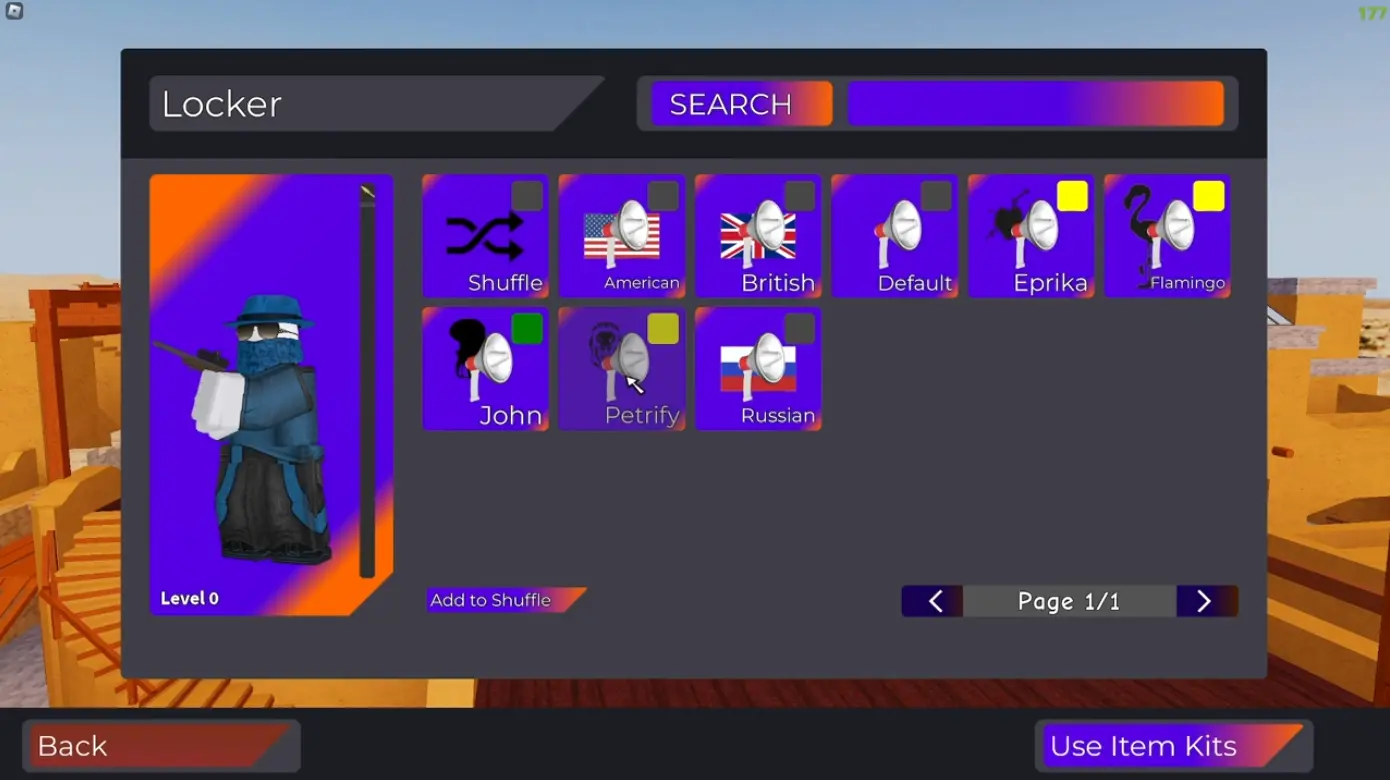
FLAMINGO | Flamingo Announcer Voice |
enforcer | Enforcer Announcer Voice |
goodnight | Displays message: "Thanks for helping us out :)" |
xonae | Xonae Announcer Voice |
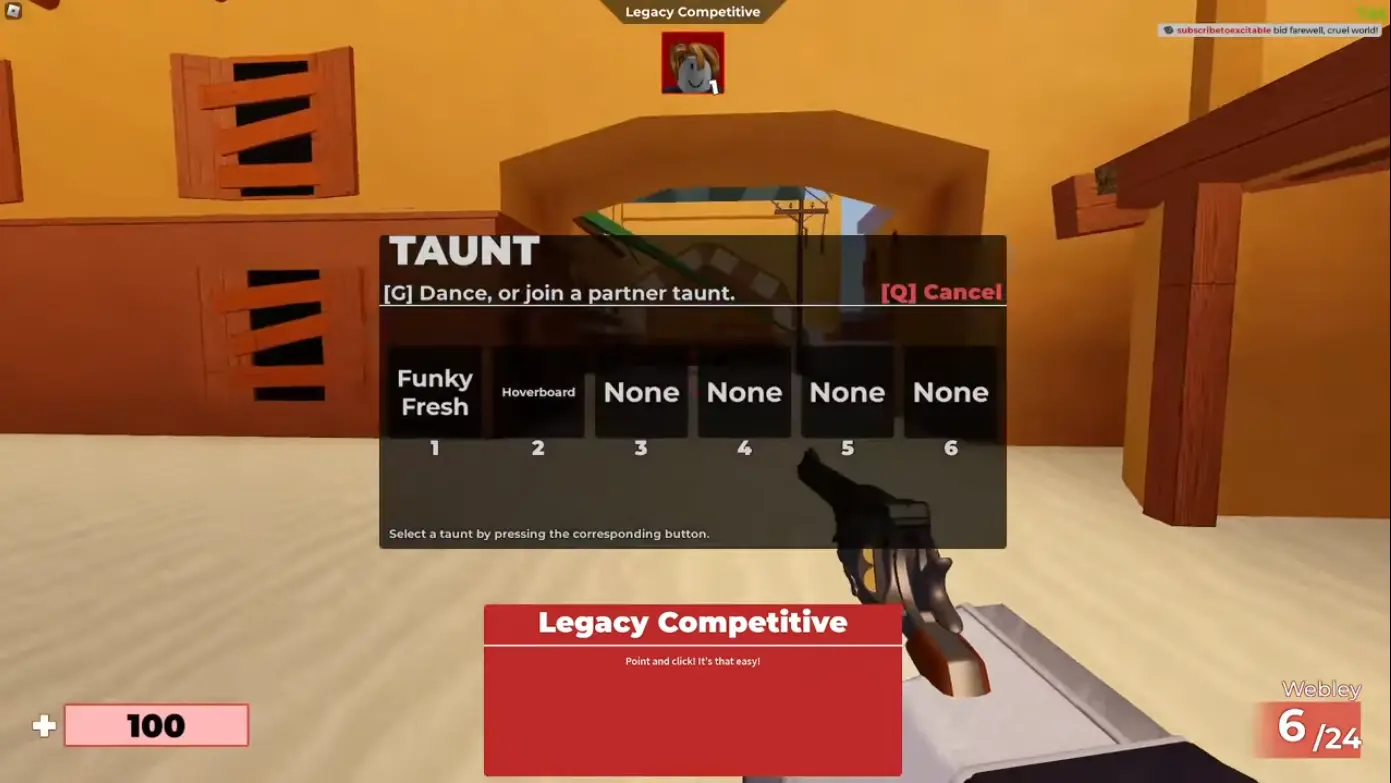
TRGTBOARD | Get Hoverboard Emote (Taunt) |
FATE | Teleports to a creepy map called Fate without other players. |
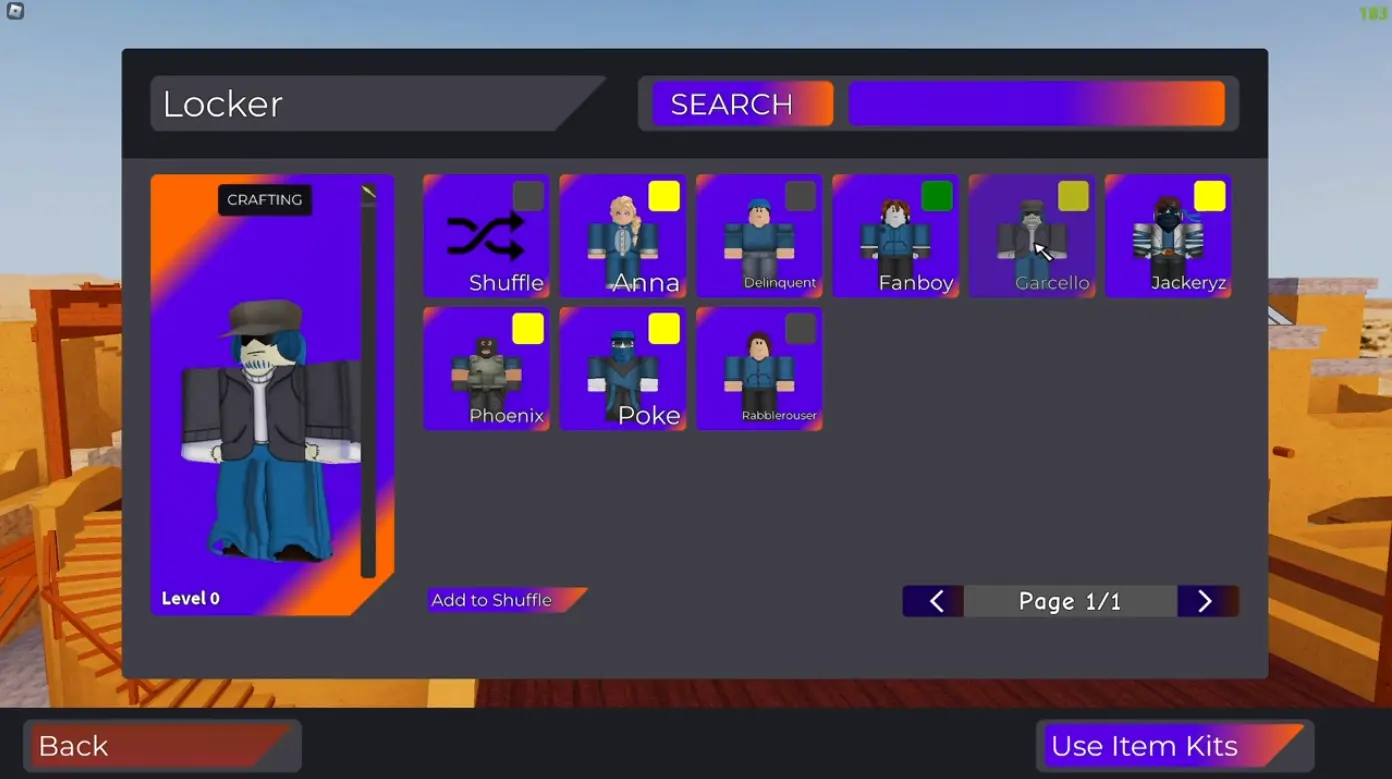
F00LISH | Unlocks Jackeryz Skin |
ROLVE | Unlocks Rabblerouser Skin |
POKE | Unlocks Poke Skin |
ANNA | Unlocks Anna Skin |
PET | Petrify Announcer Voice |
JOHN | John Announcer Voice |
Bandites | Bandites Announcer Voice |
EPRIKA | Eprika Announcer Voice |
GARCELLO | Unlocks Garcello Skin and Kill Effect |
CBROX | Phoenix Skin |
Note: Codes in Arsenal do not grant weapons or in-game currency such as coins or gems. They are purely cosmetic.
How to Activate Codes in Arsenal
Activating codes in Arsenal is quick and simple, though it's easy to make mistakes if you're rushing. To claim your rewards without hassle, follow these steps carefully.
- First, launch Arsenal through the Roblox platform.
- Once in the main menu, locate the small gift icon at the bottom of the screen.
- Clicking this icon will open the code entry window.
- Enter the code exactly as it is written—codes in Arsenal are case-sensitive, so uppercase and lowercase letters matter.
- Finally, press the Redeem button to claim your reward.
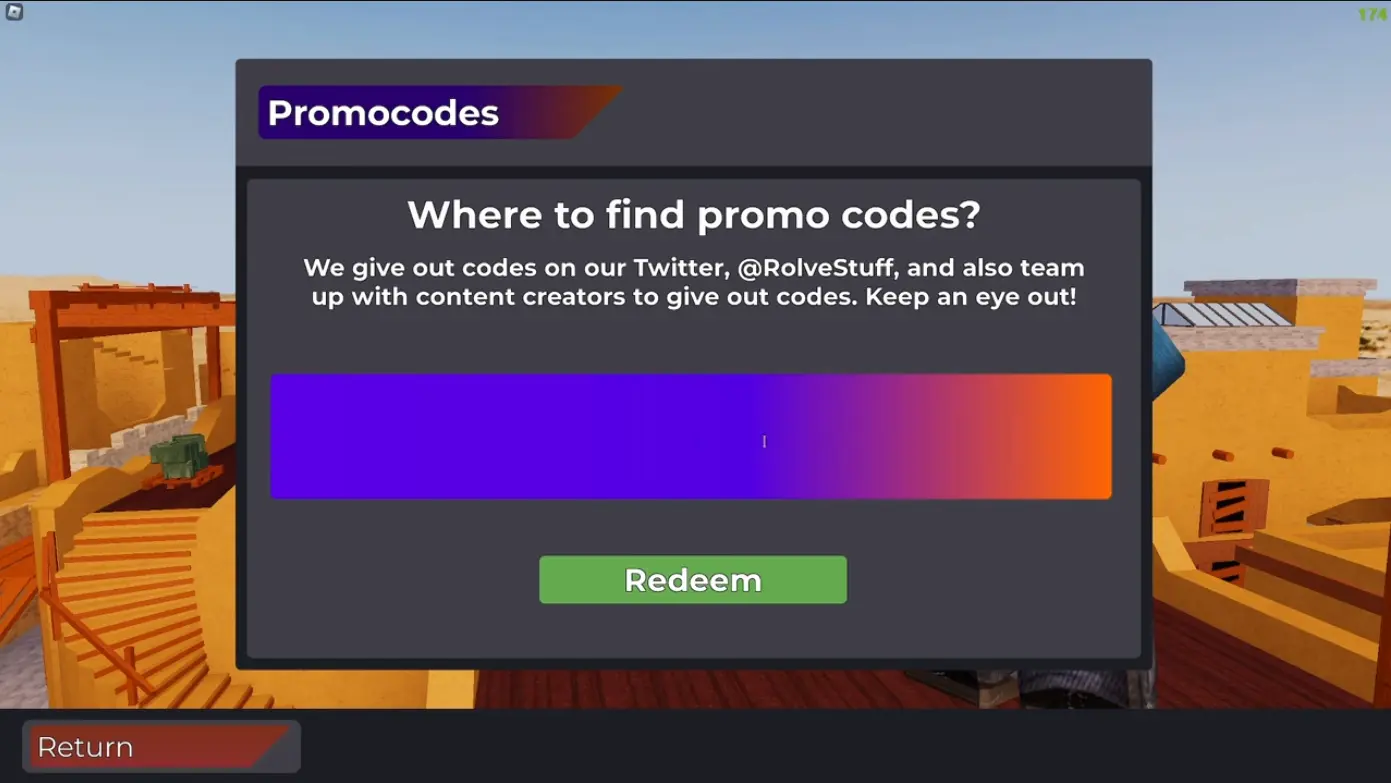
Important to remember: you cannot paste the code directly into the window using copy and paste. Check each letter to avoid errors.
If a code doesn't work, it might already be invalid or you've already used it before. Sometimes restarting the game helps.

What Are Arsenal Codes and Why Are They Important?
Arsenal codes are sets of characters that guarantee you rewards provided by the developers from ROLVe Community as part of limited-time codes. Typically, these codes unlock cosmetic items like announcer voices or unique skins that cannot be purchased with Robux or obtained through regular gameplay.
Some of these items are exclusive, meaning once the code expires, they become unobtainable. This exclusivity makes certain rewards special and more valuable, especially among collectors and dedicated fans of the game.
Besides announcer packs, some codes (such as map codes) grant access to special maps not always available in open matches.
Why Roblox Arsenal Codes Aren't Working: Troubleshooting
If you encounter an error message while activating a code in Arsenal, don't worry. In most cases, the issue can be resolved with simple checks.
Most common reasons for Roblox Arsenal code errors:
- Entering the code with errors. Since codes are case-sensitive, even a minor spelling mistake can lead to failure.
- Trying to activate an expired code. Codes often have a short lifespan, especially those tied to temporary events.
- Attempting to activate a code you've already used. Each code can only be activated once per account.
- Temporary server or connection issues. Restarting the game or waiting a while and trying again may help.
If you're sure the code is valid and you've entered it correctly, but it still doesn't work, check the developers' official channels—there may be new announcements.
Where to Find New Arsenal Codes
New codes for Arsenal don't have a fixed schedule of appearance, so it's important to stay updated to not miss out on exclusive rewards. Developers from ROLVe Community usually publish new codes through their official social media.
To make sure you don't miss any new codes, you can:
- Check ROLVe's official Twitter (X) page for announcements and updates.
- Join the official Arsenal Discord server to receive real-time notifications and connect with other players.
- Subscribe to ROLVe's YouTube channel, where some content creators post exclusive codes during streams or special events.
- Bookmark this page for monthly updates. We regularly update the list of active codes so you always have the freshest rewards at hand without needing to search on social media.


No comments yet! Be the first one to react