



The Overwatch 2 ranking system gets tweaks every now and then, but its core idea stays the same: match you with people around your skill level, give you a clear sense of climbing, and reward you when you actually improve. The game looks at a bunch of post-match stats to figure all that out.
If you’re trying to wrap your head around how the ranking system works, what all the ranks are, and what really affects your climb, this guide’s got you covered.
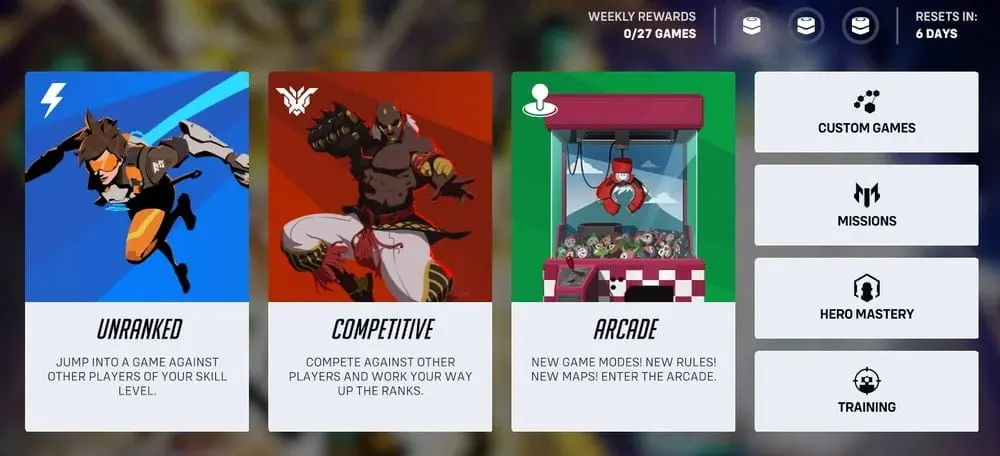
How the Competitive Structure of Overwatch 2 Works
How to Unlock Competitive Play in Overwatch 2
Overwatch 2 Competitive mode is not available to new players immediately after installing the game — unless you’ve played Overwatch 1 before. To access the Overwatch ranking system and competitive mode, new players must first:
- verify their phone number
- complete the First Time User Experience (the tutorial match)
- win 50 matches in Quick Play
After this, Role Queue and Open Queue become available, and the player can begin earning their first competitive rank points.


Calibrating Your Initial Rank in Overwatch 2
The system determines your initial skill level through ten Placement Matches. During these matches, the game tracks not only wins and losses but also your consistency, effectiveness, tendencies, and how well you meet the match’s expectations based on your statistics. After each game, you can see a predicted rank and the modifiers that influenced the final evaluation.
A full rank reset happens once a year. Each new competitive year starts from scratch, so all players must once again prove where they belong on the ranking ladder.

Overwatch 2 Rank Distribution
The ranking system in Overwatch 2 is divided into nine main ranks. All ranks, except Top 500, consist of five divisions: Division 5 is the starting point, and Division 1 is the highest within that rank. Each rank is assigned a hidden numerical rating value. Here is the list of all Overwatch 2 ranks:
- Bronze — 0-1499
- Silver — 1500-1999
- Gold — 2000-2499
- Platinum — 2500-2999
- Diamond — 3000-3499
- Master — 3500-3999
- Grandmaster — 4000-4499
- Champion — 4500-5000
- Top 500

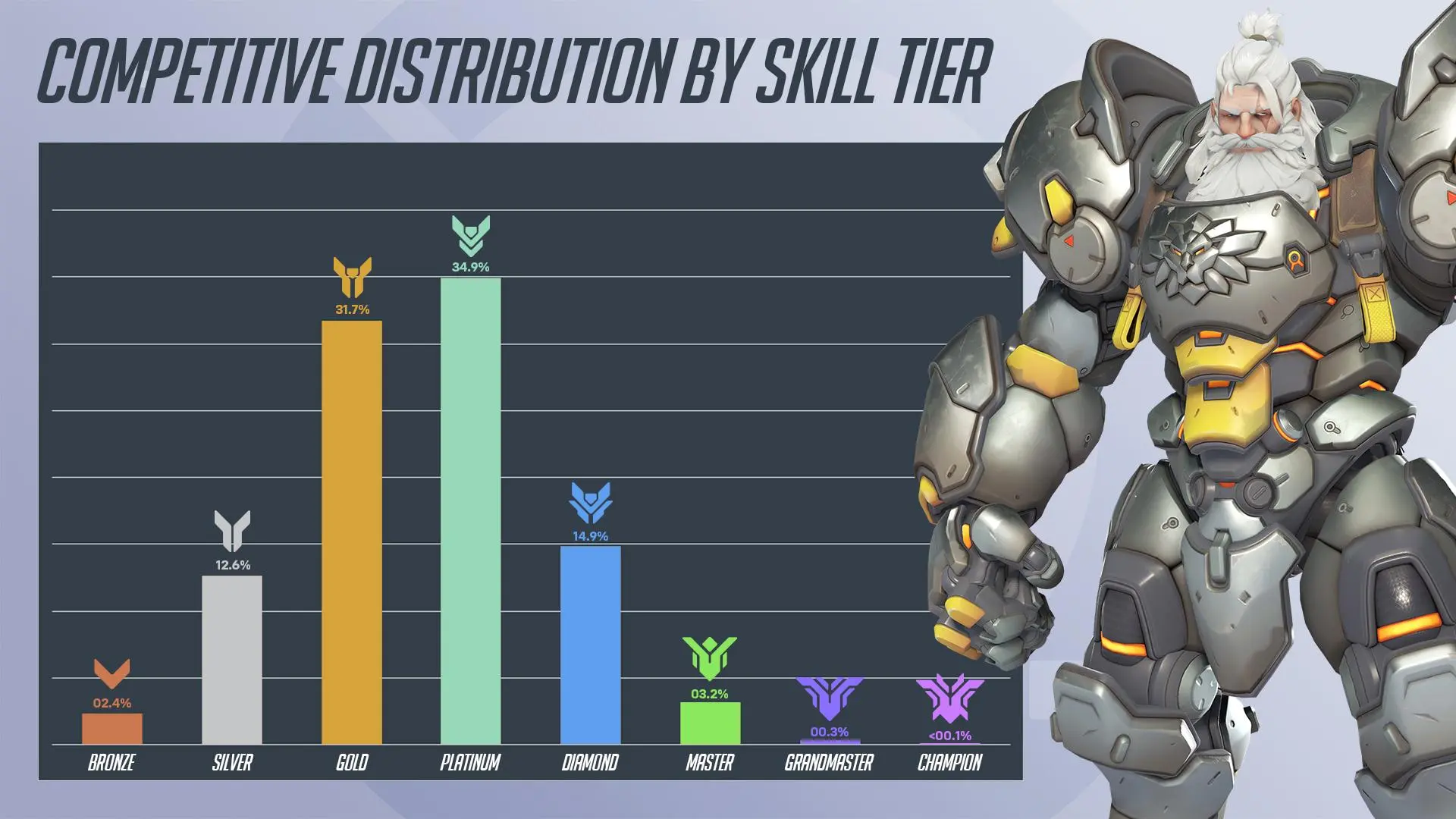
last Official Blizzard data showed that most players are concentrated on the Gold and Platinum ranks. In other words, the average Overwatch 2 player competes at the levels Platinum → Gold → Diamond → Silver. The rank distribution in Overwatch 2 looks like this:
Rank | Player share |
Bronze | 2.4% |
Silver | 12.6% |
Gold | 31.7% |
Platinum | 34.9% |
Diamond | 14.9% |
Master | 3.2% |
Grandmaster | 0.3% |
Champion | 0.1% |
Matchmaking Rating and Hero Skill Rating in Overwatch 2
Besides the rank you actually see on your profile, there’s a hidden Matchmaking Rating (MMR) running in the background. That’s what really decides who you get matched with. If your shown rank and your hidden MMR drift too far apart, the game will try to sync them back up—so you might climb or drop faster than usual depending on how you’re winning or losing.
Overwatch 2 also has a Hero Skill Rating (HSR) — a personal skill indicator for each individual hero. It ranges from 0 to 5000 and becomes available after five Placement Matches with a specific hero. HSR does not determine your competitive rank, but it gives you a clear understanding of which heroes you perform best with.

How to Check Your Overwatch 2 Rank
To check your Overwatch 2 rank/rating, follow these steps:
- Open the main menu
- Press Escape (or Start on console)
- Go to Career Profile
- Select the Competitive tab
Here, you will see your Role Queue ranks, Open Queue rank, season history, and current progress.

How Overwatch 2 Rank Modifiers Work
After every comp match, you’ll get a breakdown of modifiers showing exactly why your progress went up the way it did — no mystery points here. It’s not just about winning, either. A lot of these modifiers come from the system’s expectations, rank gaps, and how your recent performance’s been trending.
Overwatch 2 Modifier Explained:
Modifier | Explanation |
Win Streak | Increased reward for a streak of wins |
Loss Streak | Reduced progress after a series of losses |
Uphill Battle | You won even though the system did not expect it |
Reversal | You lost a match in which you were the favorite |
Expected | The result matched system expectations |
Calibration | Your rank is still being determined |
Demotion / Demotion Protection | Shows whether the next loss can demote you |
Consolation | The loss was expected due to a rank difference |
Wide | A lobby with large rank gaps grants less progress |
Pressure | The system adjusts progress if you’re playing far above or below your level |
Rank modifiers in Overwatch 2 make match evaluation more accurate and allow the system to better account for game context — something many other competitive titles often fail to do.


Types of Competitive Modes in Overwatch 2
What Is Role Queue in Overwatch 2?
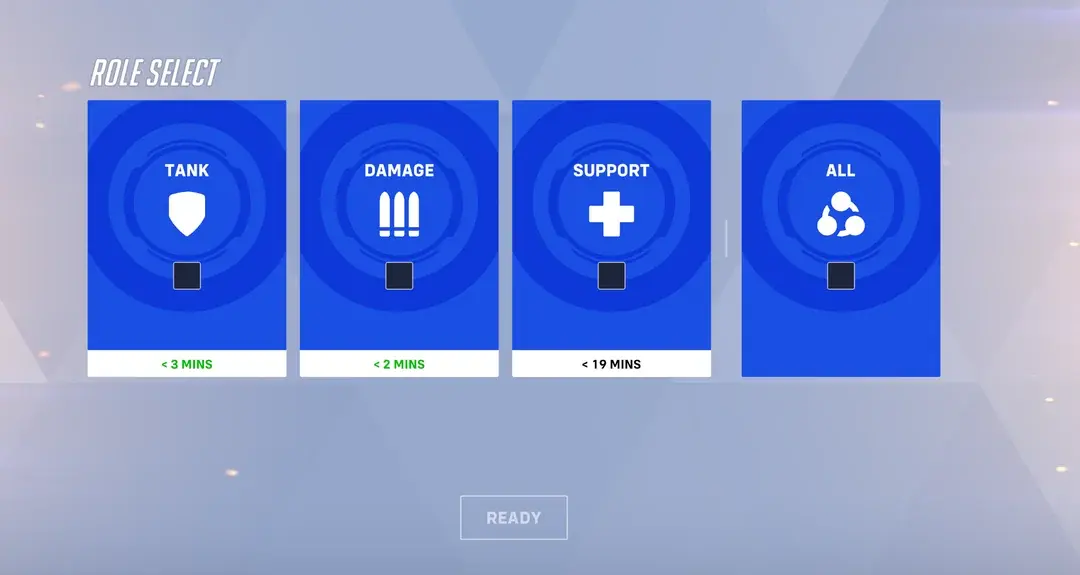
Competitive in Overwatch 2 comes in a few different flavors, but the big one is Role Queue. In this mode, every team is locked into one Tank, two DPS, and two Supports. Each role has its own rank too, so you might be rocking Gold on Support, sitting in Plat on Tank, and chilling in Silver on DPS all at the same time.
What Is Open Queue in Overwatch 2?
Open Queue removes all role restrictions. You receive one universal rank, and team compositions can be completely chaotic. It’s a faster and less predictable game mode.


What Is Competitive Mystery Heroes in Overwatch 2?
There is also Competitive Mystery Heroes — a ranked version of the random-hero mode. It has its own separate ranking progress.
Overwatch 2 Competitive Rewards System
The rewards system in Overwatch 2 has also been updated. For example, the Competitive Points (CP) you earn throughout the year can be spent on jade weapon skins. Old CP has been converted into Legacy CP, which is used to purchase golden weapon skins.
- Match wins grant 10 CP
- Draws — 5 CP
- Losses — 0 CP
When a competitive season wraps up, all your CP gets auto-converted into Legacy CP—no work needed. On top of that, hit Gold or higher and you’ll snag a special season title. Grind out 250, 750, or even 1750 Competitive matches, and you’ll unlock some seriously brag-worthy titles too.
Seasonal events like Competitive Drive introduce new cosmetic rewards in the form of a Signature that appears around your BattleTag. The more Drive you accumulate, the more impressive your Signature becomes.

How to Climb Ranks Faster in Overwatch 2
From everything discussed above, you’ve likely already understood that ranking up depends not only on how many matches you play and how often you win, but also on many additional factors. The game tries to analyze these after every match to create the most complete picture of your skill and to evaluate your rank fairly.

The biggest things that actually push your rank are staying consistent, sticking to a tight hero pool, and being able to adapt on the fly. Trying to master half the roster at once usually just slows you down — you end up spreading your practice way too thin. It’s way better to lock in a handful of heroes you like and really know: their positioning, their timings, and who they’re strong or weak against.

Good comms are huge. Even if you’re not into voice chat, getting used to pinging often can totally swing a fight in your favor.
Another way to speed up your climb is to queue with people you trust. Running with friends or a coordinated squad usually makes your team way more stable in tough fights — and that means more wins.





No comments yet! Be the first one to react