

If you love zombie games in Roblox and want something stylish, then Blade X Zombies is just what you should try. This is a dynamic multiplayer game that combines anime heroes with intense battles against zombies.
Here you can control characters like Guts or Tanjiro, slicing your way through waves of the undead, upgrading weapons, and unlocking new abilities. However, improvements cost money — and that's where Blade X Zombies codes come in handy. They provide a quick bonus in the form of in-game currency, helping you strengthen your character and survive the apocalypse.

What is Blade X Zombies
Blade X Zombies transports players to post-apocalyptic Japan, overrun by hordes of the living dead. The game combines dynamic "hack-and-slash" combat with anime abilities, allowing you to destroy zombies with flair. To upgrade weapons, open chests, and progress through more difficult levels, you’ll need to gather money. For those looking for a quick start, using codes is the easiest way to quickly boost your balance.

All Working Blade X Zombies Codes
Here is a list of all currently known working codes for Blade X Zombies as of the article's update date:
CODES | REWARDS |
CRYSTALX | 1,000 Crystals |
BLOODSTONEX | 1,000 Bloodstones |
COINX | 100,000 Money |
UPDATE4.0 | 40,000 Money |
GateOfBabylon | 10,000 money |
PUMPKINRIDER | 10,000 money |
UPD1.5 | 10,000 coins |
BxZ | 10,000 coins |
GrandMaster | 10,000 coins |
PAIPOCKK | 10,000 coins |

How to Enter Blade X Zombies Codes
The process of activating codes in Blade X Zombies is simple and won't take much time:
- Open Roblox and launch Blade X Zombies.
- Once the game loads, click the "Code" button located in the upper left corner of the screen.
- Enter or paste the code into the appropriate field.
- Click "Claim!" to instantly receive your rewards.
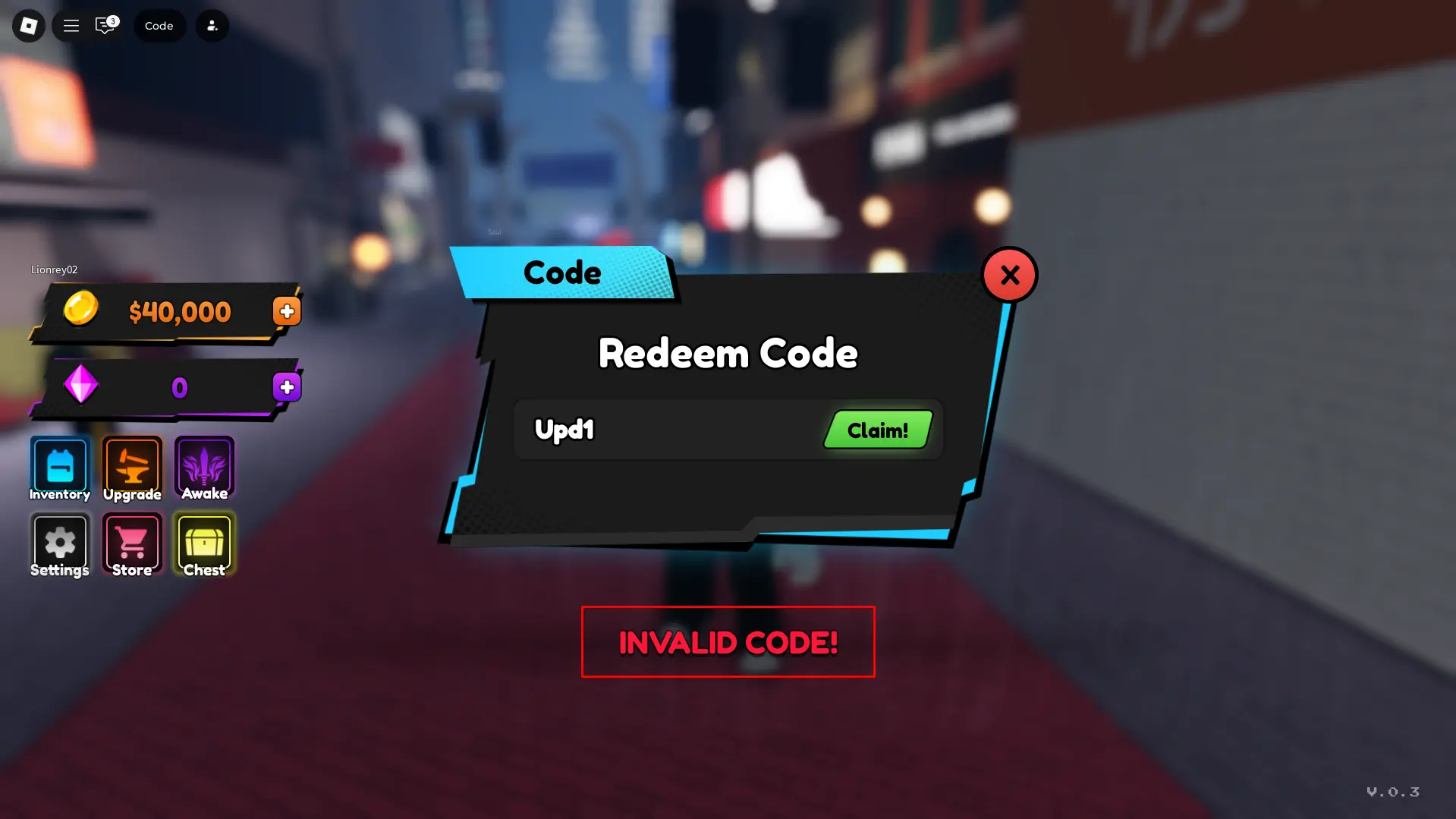
If a code does not work, check for correctness or ensure it hasn't expired. Codes are case-sensitive, so it's best to copy them directly.

Why Blade X Zombies Codes Aren't Working
If you encounter errors after entering codes, it's likely due to one of two reasons. First, the code's validity has expired, so it can no longer be activated to receive rewards.
Another possibility is that you entered the code incorrectly: check all characters and ensure there is no extra space at the end — this is quite common even when copying.
Very rarely, the server may not accept codes — try again later or reconnect to a different game server and attempt code entry again.
How to Find More New Codes in Blade X Zombies
Developers often release new codes to mark updates or community events. To not miss any, it's worth subscribing to the game's official channels. The most reliable place where codes appear first is the Blade X Zombies Discord server. There are usually channels where reward codes are posted.
We also recommend bookmarking our page with the material. We regularly update Roblox code lists, so you can always find the latest working codes without additional searches.


Comments14