In Roblox Baddies, you can freely roam, fight, dance, and even throw trash cans at other players—just for fun. But to stay on top, it's not just about wild antics—appearance matters too, especially when you want to show off. That's where Baddies codes come in handy.
These codes give you access to free skins, cosmetics, and in-game currency, making it easier to stand out from the crowd or simply enjoy the game without spending Robux. Below you'll find everything you need to know about the latest Baddies codes: how to activate them and where to look for new ones in the future.
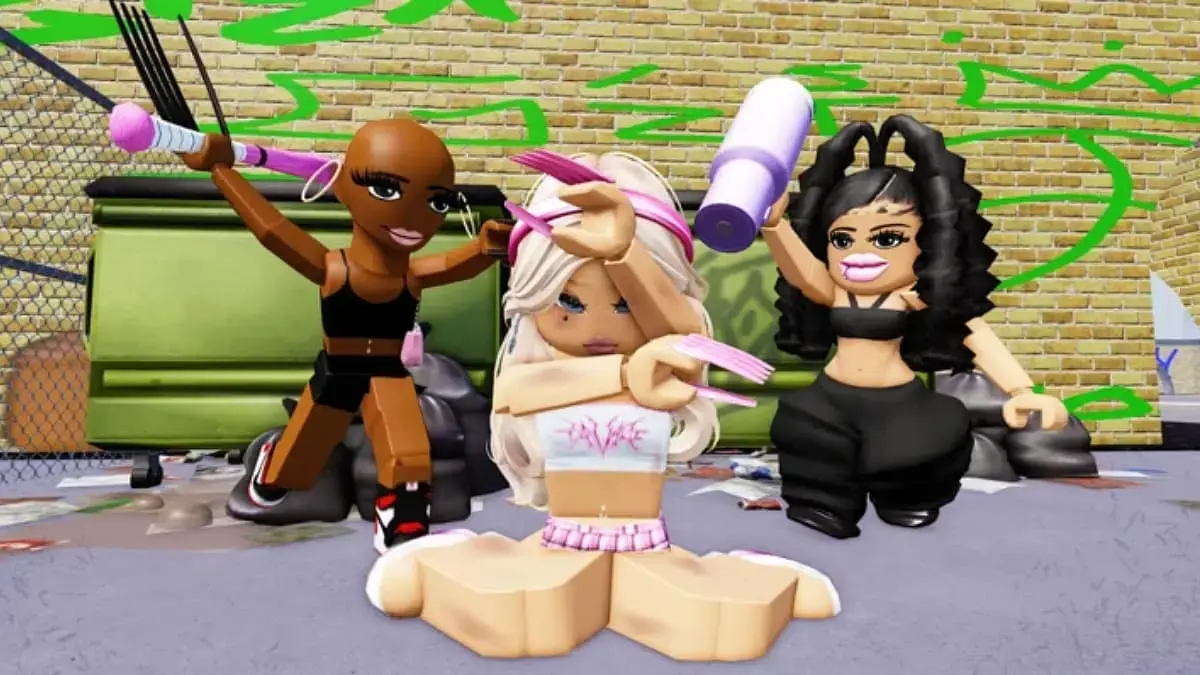
What is Baddies on Roblox?
Baddies is an open-world role-playing game where players can live out chaotic scenarios however they want. You can be a cute girl, a bad girl, or someone who just wants to watch everything around them fall apart.
Fight others, hit them with pipes, throw garbage at them, and then dance over them—it's all part of the fun. But to truly stand out, you'll need cool skins and accessories, which can be obtained for free using Baddies codes.
All Working Baddies Codes
Below, you can find a list of all known codes for Baddies at the time of writing and updating this article.
Code | Reward |
Baddies | Unlocks the Treasure Chest Purse skin |
KITTY | Unlocks the Kitty Trash Bag |
New codes usually appear during major game updates, special events, or when reaching game milestones, so regularly checking will help you not miss out on new opportunities.

How to Redeem Baddies Codes
Activating codes in Baddies is very simple on all devices where Roblox is available. If you're new to the game or haven't used codes before, here's how to do it:
- First, open Baddies in Roblox.
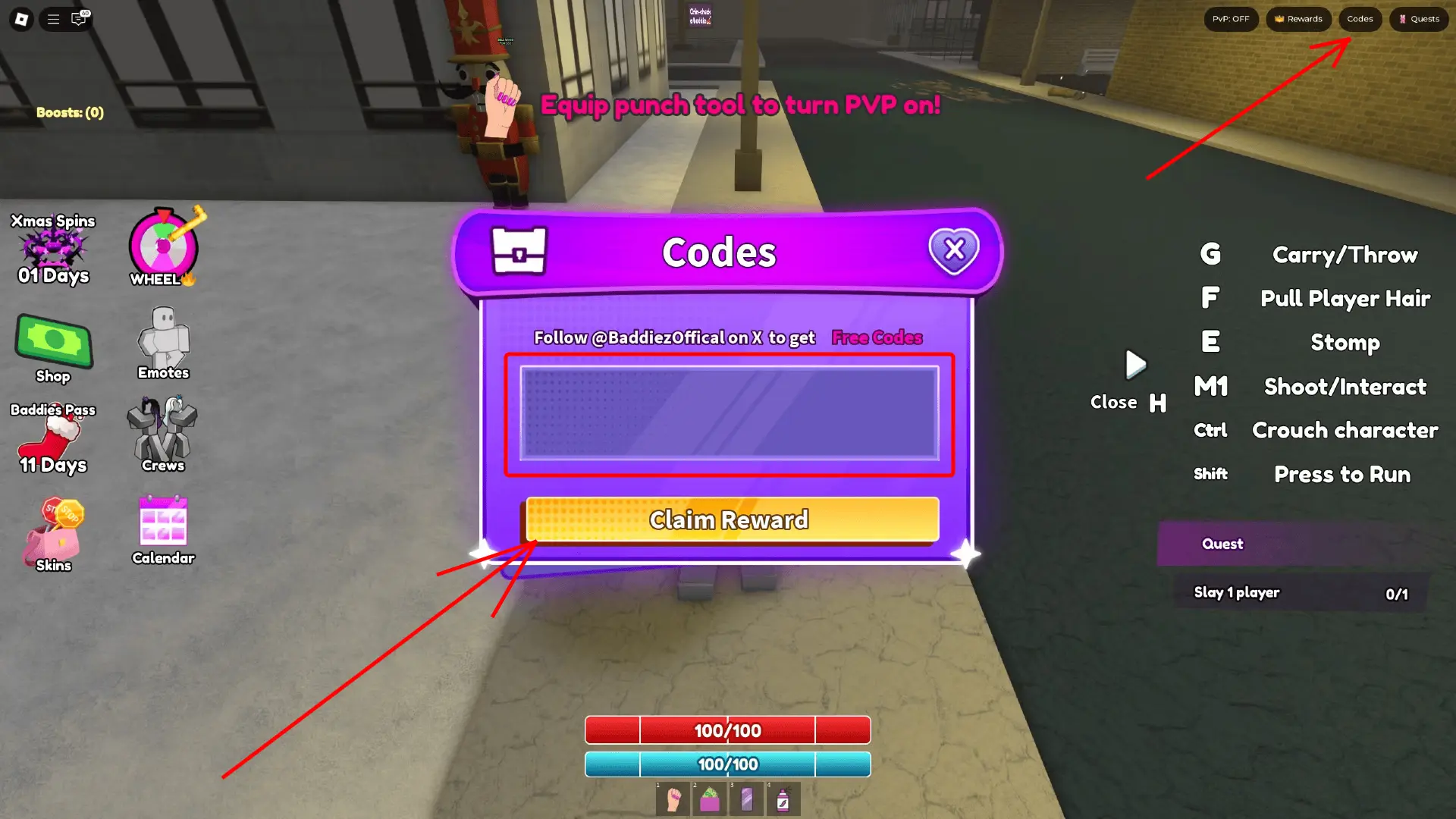
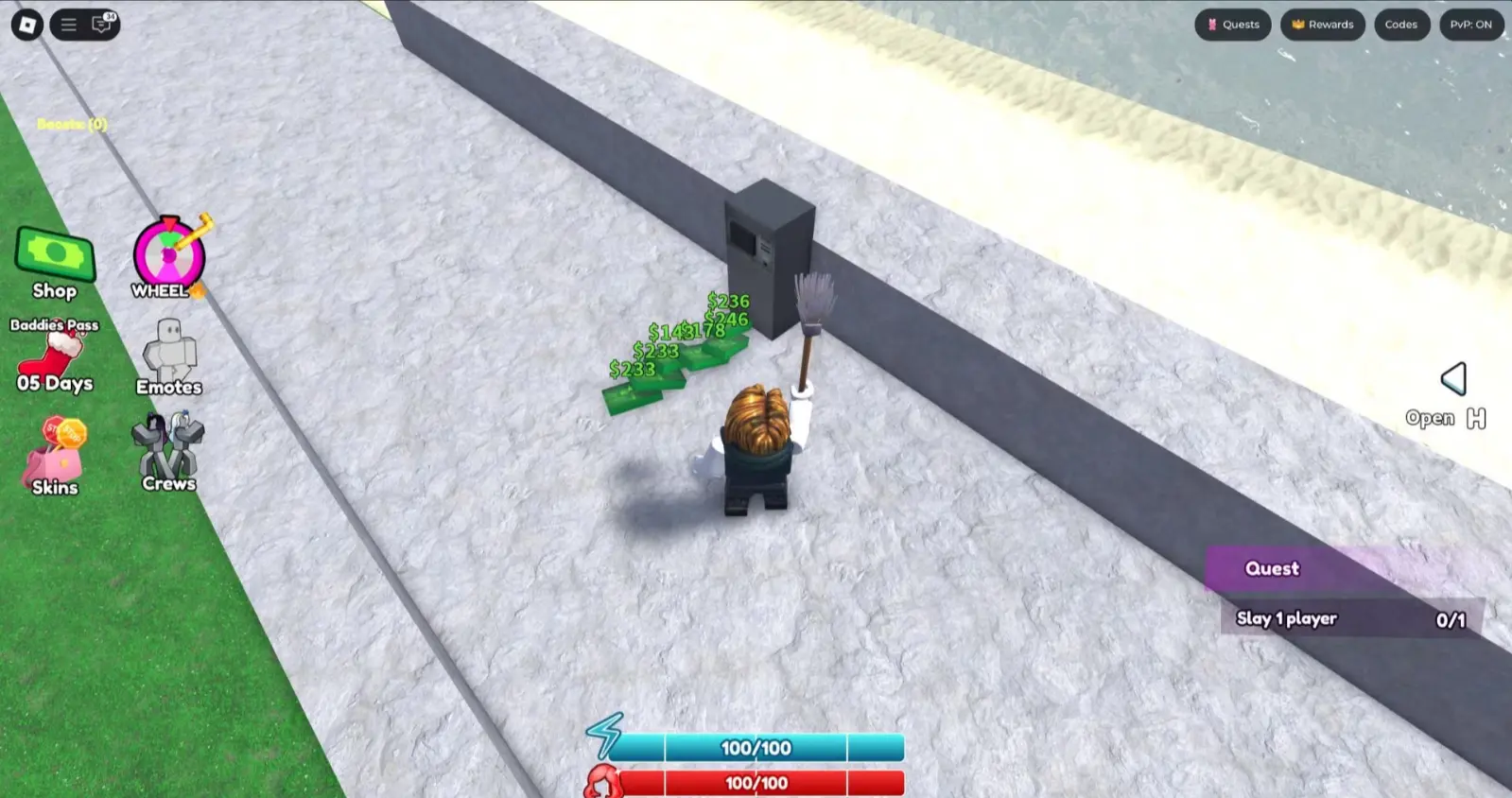
- Look for the Codes button in the top right corner of the screen. It's usually located next to the Rewards button.
- Click the Codes button to open the activation menu. A field for entering the code will appear.
- Enter one of the active codes exactly as it is written—it's best to copy and paste it to avoid errors.
- Press the Claim Reward button to receive your free rewards. If the code is valid, you'll immediately get your prizes.
If an error message appears, check the spelling or try another code. Codes are case-sensitive and often have a limited validity period.
How to Get More Baddies Codes
Keeping track of new codes for Baddies is easy. You can always return to this guide for updates, but there are a few more ways to find them on your own. Bookmark the article and check for updates.
- One of the best places to look for fresh codes is the official Baddies Entertainment Discord server. Developers often share exclusive codes there during updates or events.
- It's also worth following the official Baddies group on Roblox or their account on X (formerly Twitter). These platforms are often used to announce new rewards, updates, and special challenges that may come with new codes.
- Additionally, you can join the Meow Meow Games! community on Roblox. Members of this group sometimes receive exclusive free bonuses and early access to codes.
Why Aren't My Baddies Codes Working?
If you're having trouble activating Baddies codes, here are a few common reasons:
- The most likely reason is a mistake in entering or incorrect use of uppercase and lowercase letters. Codes need to be entered exactly as they are written, so it's best to copy and paste them.
- Another possible reason is that the code may have expired. Developers don't always announce when a code stops working, so if you delay activation, you might miss out.
- Some codes have a limited number of uses or are tied to specific events, which means they may not work for everyone or may stop working after a certain number of activations.

How to Get Free Items Without Codes
Codes aren't a mandatory part of the Baddies gameplay, but they are a nice bonus that provides interesting rewards. However, there are other methods of obtaining free cosmetics and other rewards in the game without spending real money.
- First, log in to the game daily and claim rewards from the Baddies Pass. Just click the Baddies Pass button on the left side of the screen and check the Daily Rewards section.
- Another effective way to earn rewards is by completing daily tasks or achievements.
- If you join the Meow Meow Games! group on Roblox, you can receive a special gift chest directly from the Rewards menu in the game. It's an easy way to boost your inventory with minimal effort.


No comments yet! Be the first one to react