


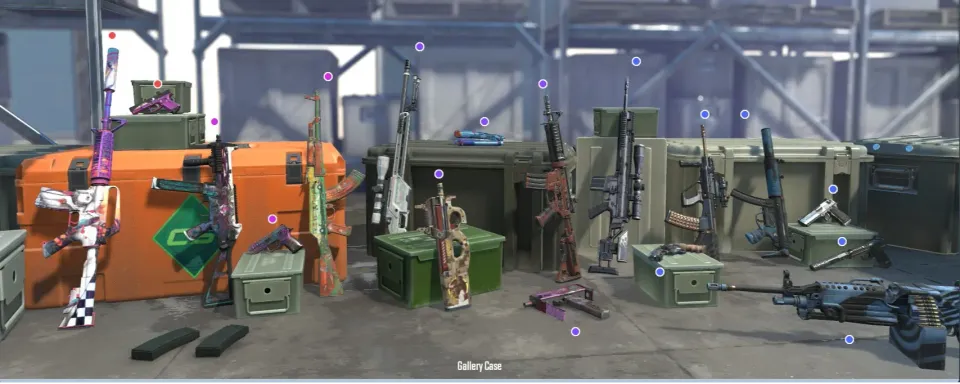
Since weapon cases appeared in Counter-Strike in 2013, players have opened millions of them – hoping to pull rare skins, knives, or gloves. In Counter-Strike 2, cases remain one of the main ways to earn and trade skins. Knowing your case opening stats helps you see how lucky you’ve been and how much you’ve actually spent or gained from opening cases.
What Are Cases in CS2?
Cases in CS2 are boxes that drop from matches or can be bought on the Steam Market. Each one contains different weapon skins, stickers, gloves, or knives. To open a case, you need to buy a key in the game store. After opening, you’ll get a random item – usually a common one, but sometimes something very rare and expensive.
Cases have become a big part of the game’s economy. Some players open them for fun, others collect data to see if opening them is really worth it. That’s where knowing how to check CS2 case stats becomes useful.

How to Check Your Case Opening Statistics
In 2024 Valve updated the Steam API, and many older extensions stopped working. But as of October 2025, several reliable options still exist.

1. Chrome Extension
You can use the Chrome extension CS2 Case Opening Stats. Steps:
- Open Google Chrome and install the extension.
- Log into Steam and switch your language to English.
- Go to your Inventory → View Inventory History.
- Click “Load Statistics” and wait a few minutes. You’ll see your total cases opened, items received, and drop history. Note that some users report slower syncing due to API limits.
2. Online CS2 Case Opening Tracker
Websites like LootSpectrum or CS2 Case Tracker let you upload your inventory data. They’ll show how many cases you opened, your rare item percentage, and which case you open most often. Some tools even estimate your total case spending and winnings.
3. Manual Steam Check
If you don’t trust external tools, you can manually count. Open your Steam Inventory → History and scroll through your case openings. It’s slow, but completely safe and works anywhere.
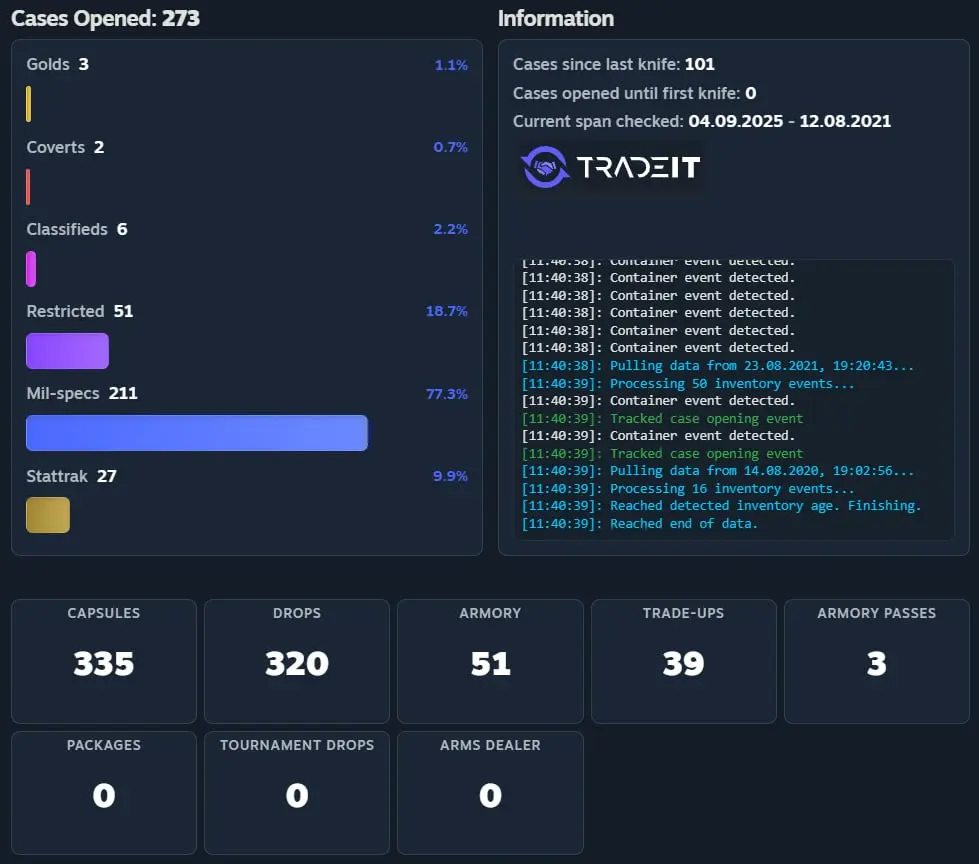

Understanding Drop Rates
Each case in CS2 has fixed rarity chances – these CS2 case drop rates apply to all cases:
Rarity | Type of Item | Estimated Chance |
Blue | Common weapon skin | 79.92% |
Purple | Restricted skin | 15.98% |
Pink | Classified skin | 3.2% |
Red | Covert skin | 0.64% |
Gold | Knife or Gloves | 0.26% |
As you can see, most drops are common skins. Rare knives or gloves appear very rarely, which is why their market prices stay high.
Is It Worth Opening Cases in 2025?
So, is it worth opening cases in CS2? It depends on what you want. If you like the thrill and don’t mind spending money, it’s a fun way to enjoy the game. But if your goal is to profit, the odds are not in your favor. For most players, buying specific skins on the Steam Market is cheaper and safer.

FAQ

Can I check CS2 case stats on mobile?
Not yet. Most extensions and trackers work only on PC browsers.
Are case opening stats saved in CS2?
No. Valve doesn’t show this info inside the game, so you need outside tools.
Can Valve ban for using third-party tools?
No, if they only read your inventory data. But avoid anything that changes game files.

How to check my most opened case?
Online trackers like LootSpectrum show which case you’ve opened the most, and how many rare items you got from it.
Knowing how to track your case stats helps you make smarter choices. Whether you use a CS2 case opening tracker or count manually, understanding your numbers gives you a clearer view of your luck – and maybe stops you from buying that one extra case next time.




Comments4